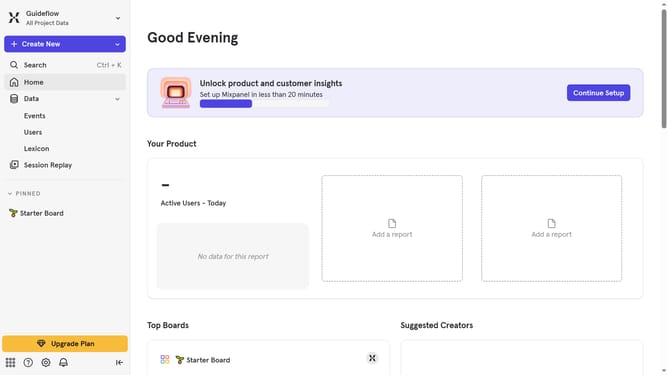
How to reconnect Flagship in Mixpanel
Here is how to reconnect flagship in mixpanel
- First click on the Settings icon in the bottom left panel
- Then click on "Integrations" in the left sidebar
- Next scroll down to view more options
- Then click on the "Flagship" option
- After that, click on the "Re-connect" button
- Now click on the "API KEY" text input field and enter your API KEY
- Finally, click on the "Continue" button
Why should you reconnect Flagship in Mixpanel
Mixpanel is a powerful analytics platform designed to help businesses understand user behavior.
Reconnecting Flagship in Mixpanel ensures seamless data integration, crucial for insightful analytics.
This feature enables users to effortlessly track and analyze customer interactions, enhancing strategic decisions.
By maintaining this connection, businesses gain a competitive edge through accurate, real-time data insights.
Last update