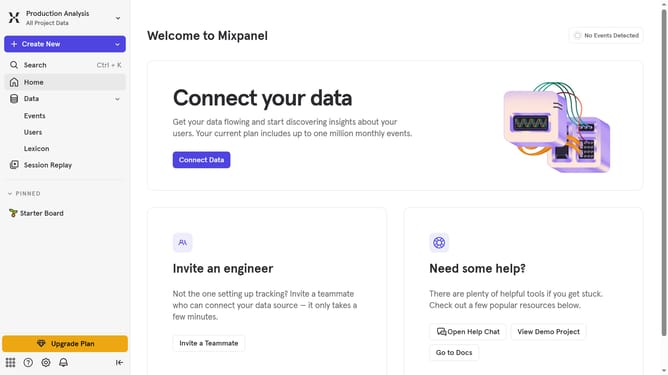
How to reconnect Xtremepush in Mixpanel
Here is how to reconnect xtremepush in mixpanel
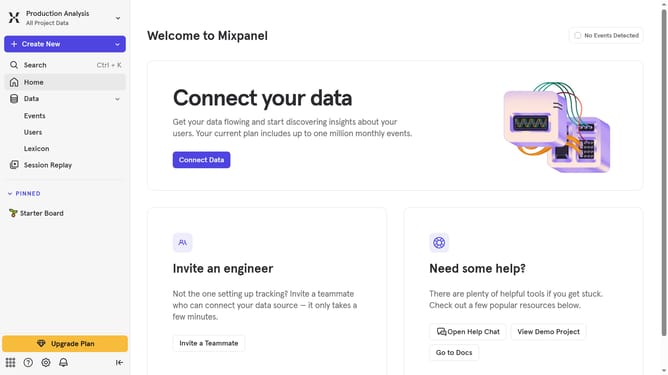
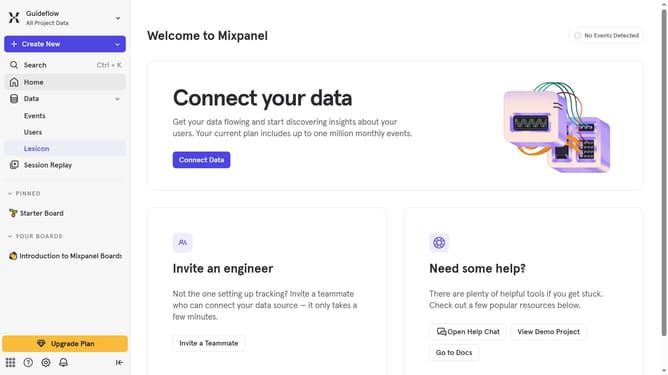
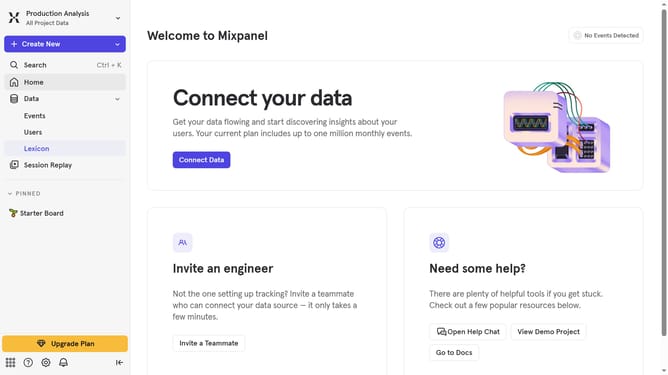
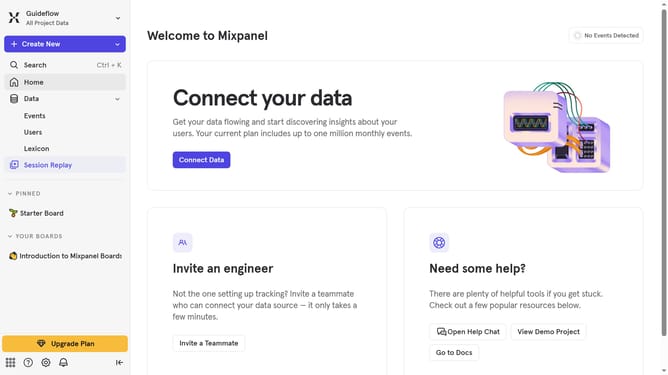
- First click on the settings icon in the bottom left sidebar
- Then click on "Integrations" in the left sidebar
- Scroll down to view more options
- Then click on "Xtrepush" in the main panel
- Click on the "Re-connect" button
- Then click in the API Key input field and enter your API key
- Finally click on the "Continue" button
Why should you reconnect Xtremepush in Mixpanel
Mixpanel is a powerful analytics platform that helps businesses understand user interactions and improve engagement.
Reconnecting Xtremepush in Mixpanel enhances data synchronization, ensuring a seamless flow of valuable customer insights into your analytics environment.
By establishing this connection, teams can tap into enriched user data, leading to more informed decision-making, improved targeting, and ultimately, increased user satisfaction.
Utilizing this feature reduces manual data handling and promotes a streamlined analytical process, pivotal for dynamic user-focused strategies.
Last update