How to reconnect Interable in Mixpanel
Here is how to reconnect interable in mixpanel
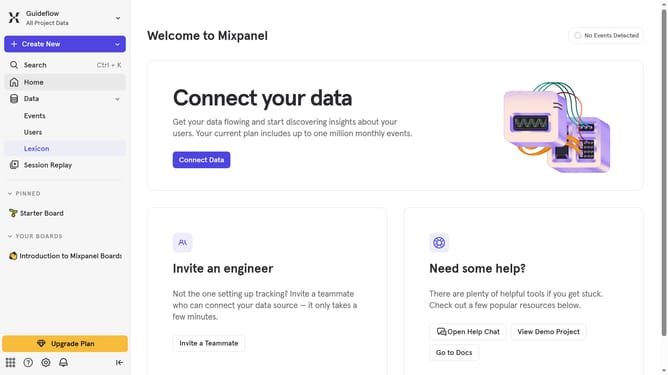
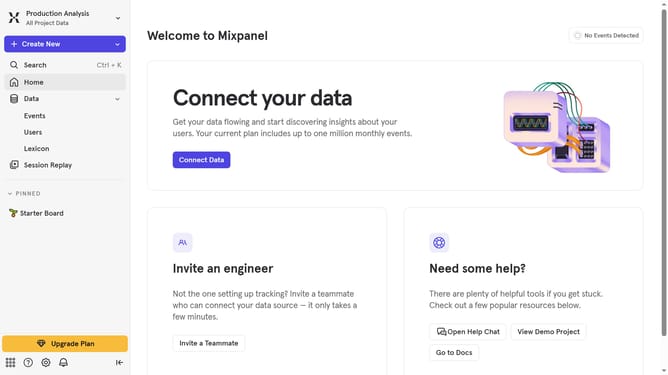
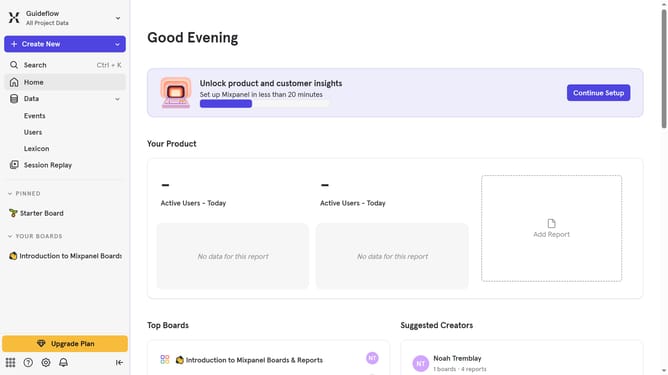
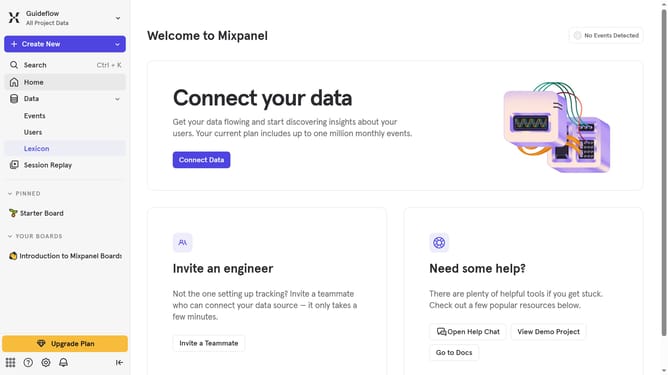
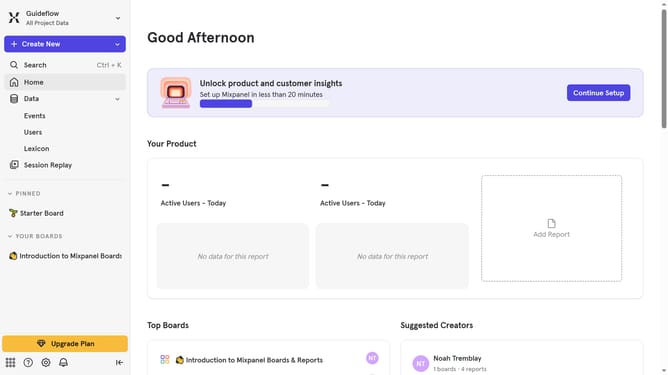
- First click on the settings icon in the bottom left sidebar
- Then select "Integrations" from the sidebar menu
- Next, scroll down to view more options
- Then click on the "Interable" integration option
- Next, click on the "Re-connect" button
- Then enter your Iterable API key in the input field
- Next, click on the "INTERABLE DATACENTER" dropdown menu
- Then select your desired datacenter from the list
- Finally, click on the "Continue" button again
Why should you reconnect Interable in Mixpanel
Mixpanel is a powerful analytics platform designed to understand user behavior in depth.
Reconnecting Iterable in Mixpanel allows users to seamlessly integrate marketing data with user analytics.
This connection enriches your robust data insights, streamlining marketing strategies with a more detailed understanding of audience interactions.
Utilizing this feature boosts the ability to make informed decisions, enhancing marketing efficiency and user engagement.
Last update