How to disconnect OneSignal in Mixpanel
Here is how to disconnect onesignal in mixpanel
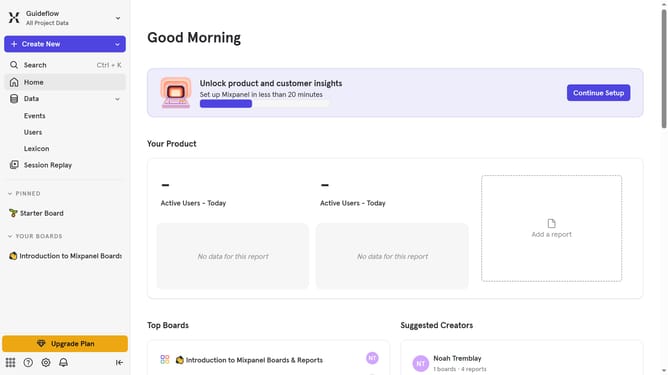
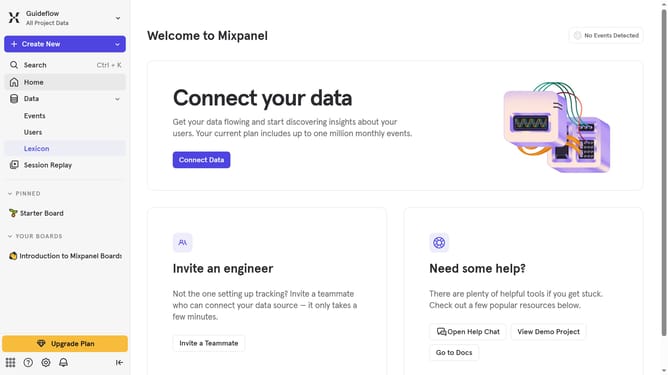
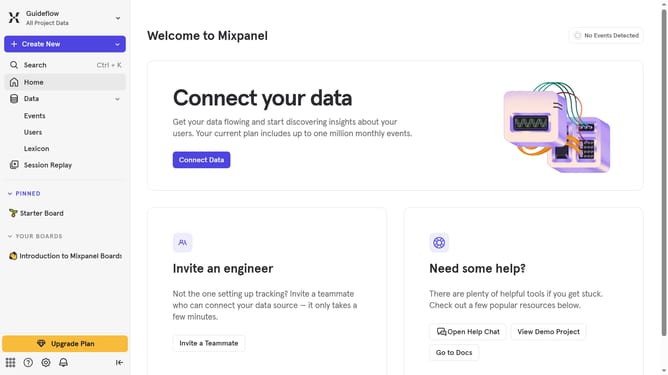
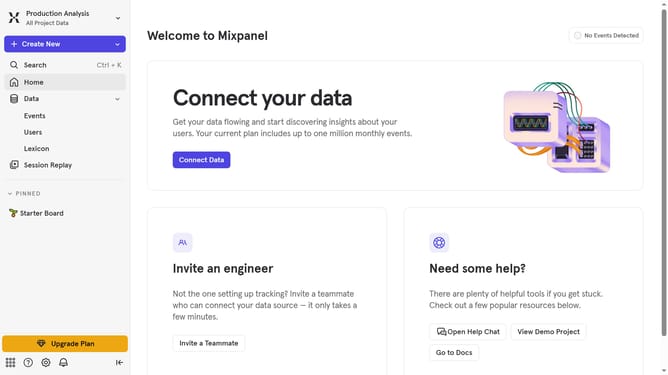
- First click on the settings icon in the bottom left sidebar
- Then click on "Integrations" in the left sidebar
- Next scroll down to view more options
- Then click on the OneSignal integration option
- After that click on the "Disconnect" button
- Finally click on the "Disconnect" button in the confirmation pop-up
Why should you disconnect OneSignal in Mixpanel
Mixpanel is a powerful analytics platform designed to help businesses understand user behavior to improve engagement and optimize processes.
Disconnecting OneSignal from Mixpanel could be essential to streamline data sources, ensuring focused analytics.
By choosing to disconnect, businesses can simplify their data flow, avoiding redundancies and potential data overlaps.
This feature empowers teams to maintain cleaner data sets, leading to more precise insights and informed decision-making.
Last update