How to make a property visible in profile properties in Mixpanel
Here is how to make a property visible in profile properties in mixpanel
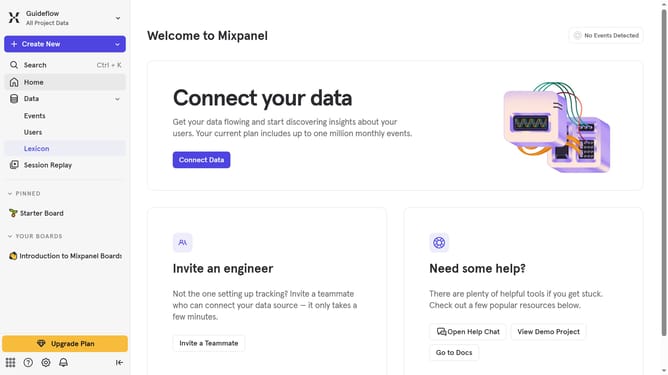
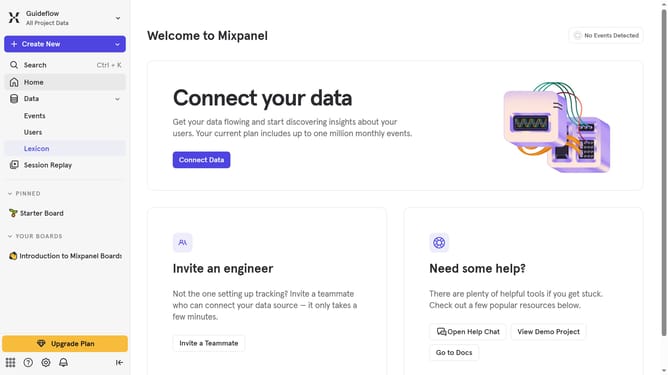
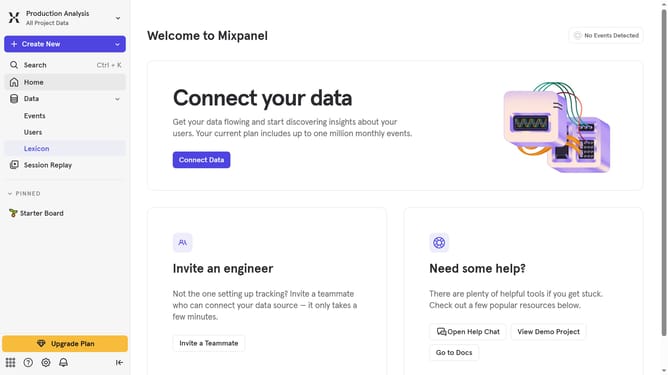
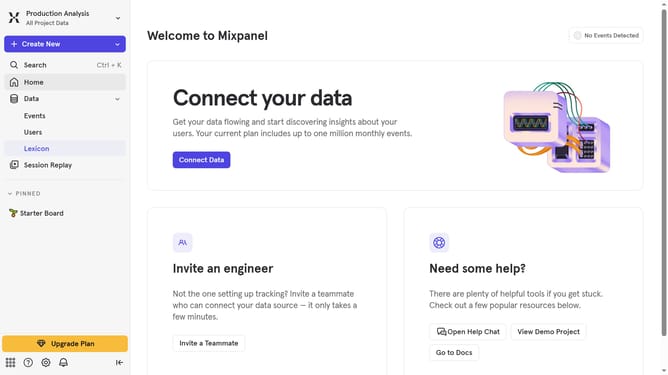
- First click on "Lexicon" in the left navigation panel
- Then click on "Profile Properties" in the left navigation panel
- Next, click on the property that you want to make visible
- Then click on the status dropdown option
- Finally, uncheck the "Hidden" option to make the property visible
Why should you make a property visible in profile properties in Mixpanel
Mixpanel is a powerful analytics platform designed to understand user behavior for better decision-making.
Making a property visible in profile properties within Mixpanel enhances your ability to gain in-depth insights about your users' actions and preferences. This feature allows teams to customize their data display, focusing on the most relevant information for their goals.
By strategically selecting visible properties, you enhance analysis efficiency and ensure teams have instant access to crucial data that drives informed business decisions. This leads to improved targeting and personalized user experiences.
Last update