How to reconnect WebEngage in Mixpanel
Here is how to reconnect webengage in mixpanel
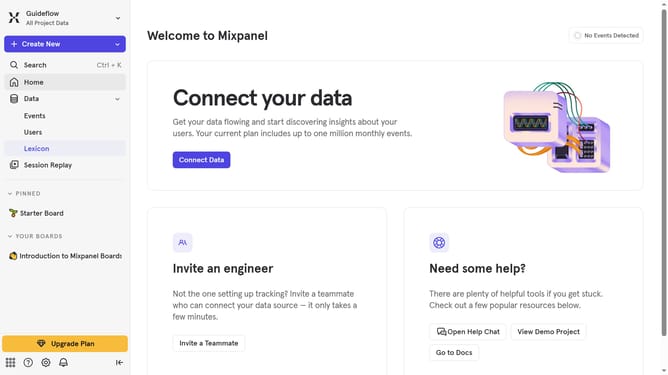
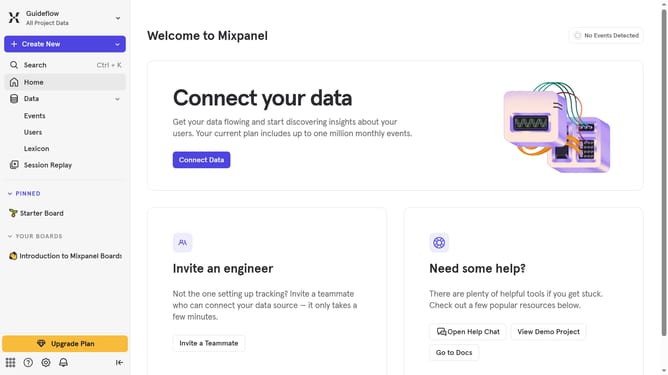
- First click on the gear icon in the bottom left of the left sidebar
- Then click on "Integrations" in the left sidebar
- Next scroll down to view more options
- Then click on the "WebEngage" integration option
- Next click on the "Re-connect" button
- Then click on the "API Key" input field and type in the API key
- Finally click on the "Continue" button
Why should you reconnect WebEngage in Mixpanel
Mixpanel, a powerful analytics platform, helps businesses better understand user interactions to drive growth.
Reconnecting WebEngage in Mixpanel enhances the synergy between customer engagement and data analytics, optimizing marketing strategies.
Utilizing these integrated features amplifies the ability to track user behavior in real-time, paving the way for data-driven insights.
By reconnecting these platforms, teams can streamline processes and make informed decisions with precision and accuracy.
Last update