Mixpanel
Mixpanel is a product analytics platform for tracking user behavior and engagement.
Website
Industry
Analytics
Share this article:

How to show events with property column in event properties in Mixpanel

Here is how to show events with property column in event properties in mixpanel

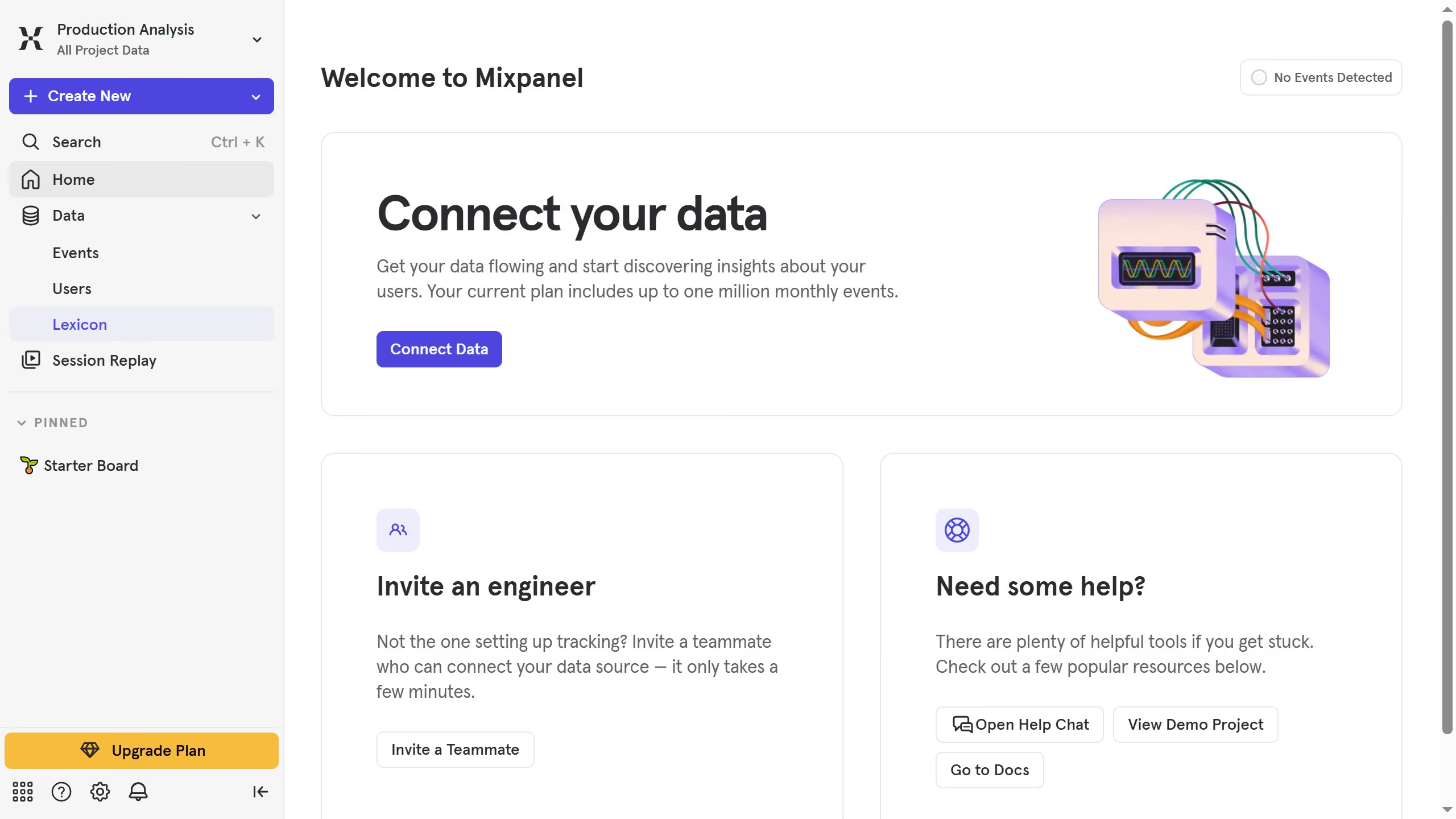
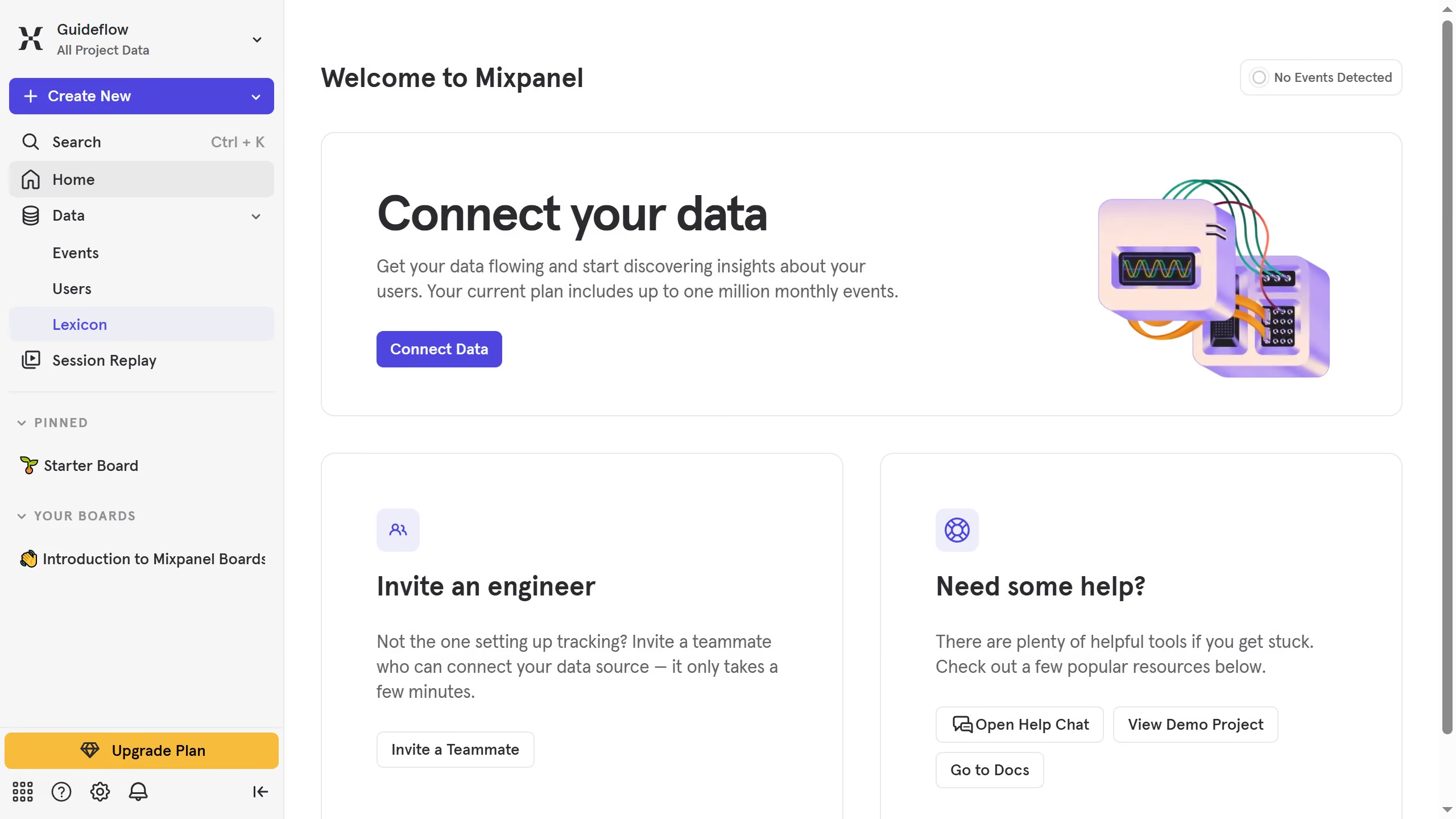
  1. First, click on "Lexicon" in the left sidebar
  2. Then, click on "Event Properties" in the left sidebar
  3. Next, click on the "Edit Columns" button
  4. Finally, click on the checkbox next to "Events With Property"

Create your own interactive guide with Guideflow

Why should you show events with property column in event properties in Mixpanel

Mixpanel is a powerful analytics tool designed to help businesses understand user interaction and engagement.

One of its standout features is the ability to display events with property columns in event properties, offering a clear and detailed view of user behavior.

Using this feature, users can isolate specific properties, making data analysis more intuitive and actionable.

With a streamlined focus on relevant data, teams can make informed decisions, increase efficiency, and ultimately enhance the user experience.

Last update
June 10, 2026
Cursor MariaA cursor points to a button labeled "James."

Create your first demo in less than 30 seconds.