How to turn off email notifications in Mixpanel
Here is how to turn off email notifications in mixpanel
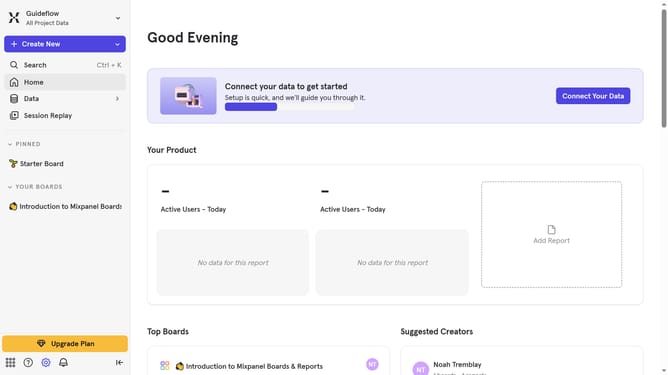
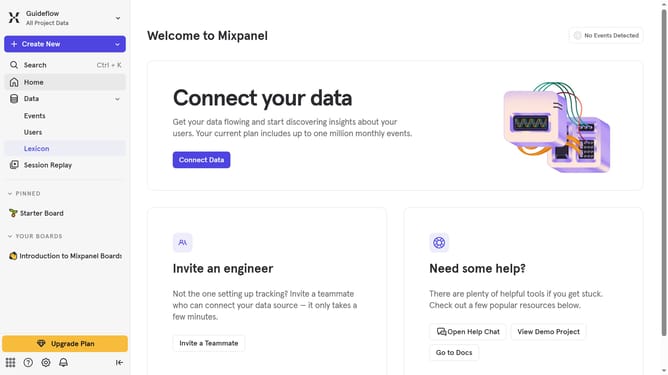
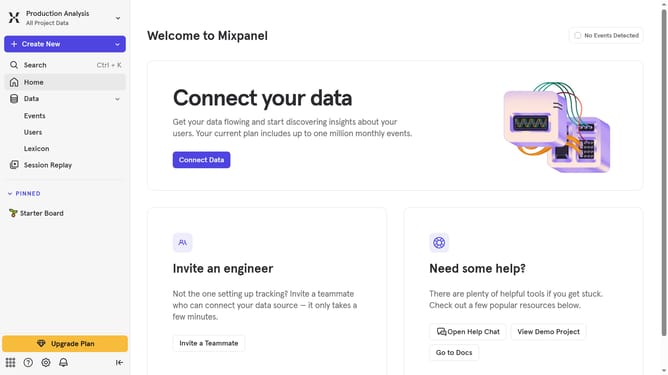
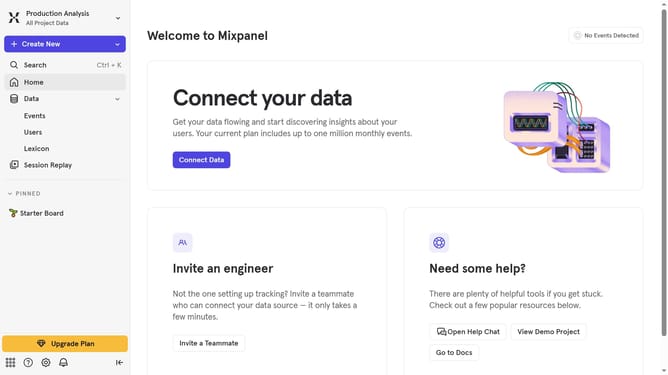
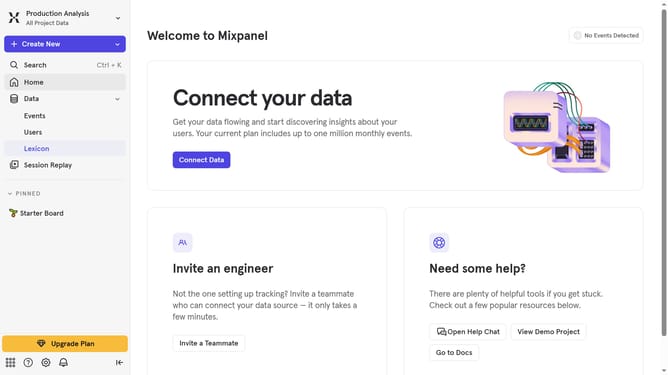
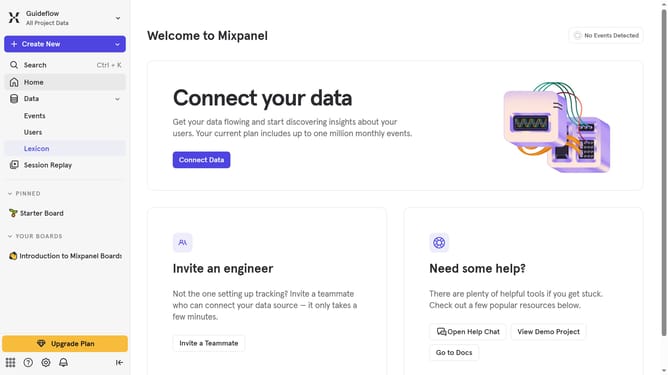
- First click on the bell icon in the bottom left interface
- Then click on the settings icon within the pop-up window
- Finally click on the toggle switch to enable notifications
Why should you turn off email notifications in Mixpanel
Mixpanel is a powerful analytics platform designed to track user interactions and advanced analytics.
Managing your email notifications in Mixpanel can enhance your workflow by reducing distractions, allowing you to focus on the analytics that matter most.
By turning off email notifications, you ensure your inbox remains clear of clutter, helping you prioritize crucial data and maintain productivity.
This feature is particularly beneficial for users who prefer accessing updates directly within the Mixpanel dashboard, empowering them to maintain streamlined communication.
Last update