Mixpanel
Mixpanel is a product analytics platform for tracking user behavior and engagement.
Website
Industry
Analytics
Share this article:

How to hide created column in custom event properties in Mixpanel

Here is how to hide created column in custom event properties in mixpanel

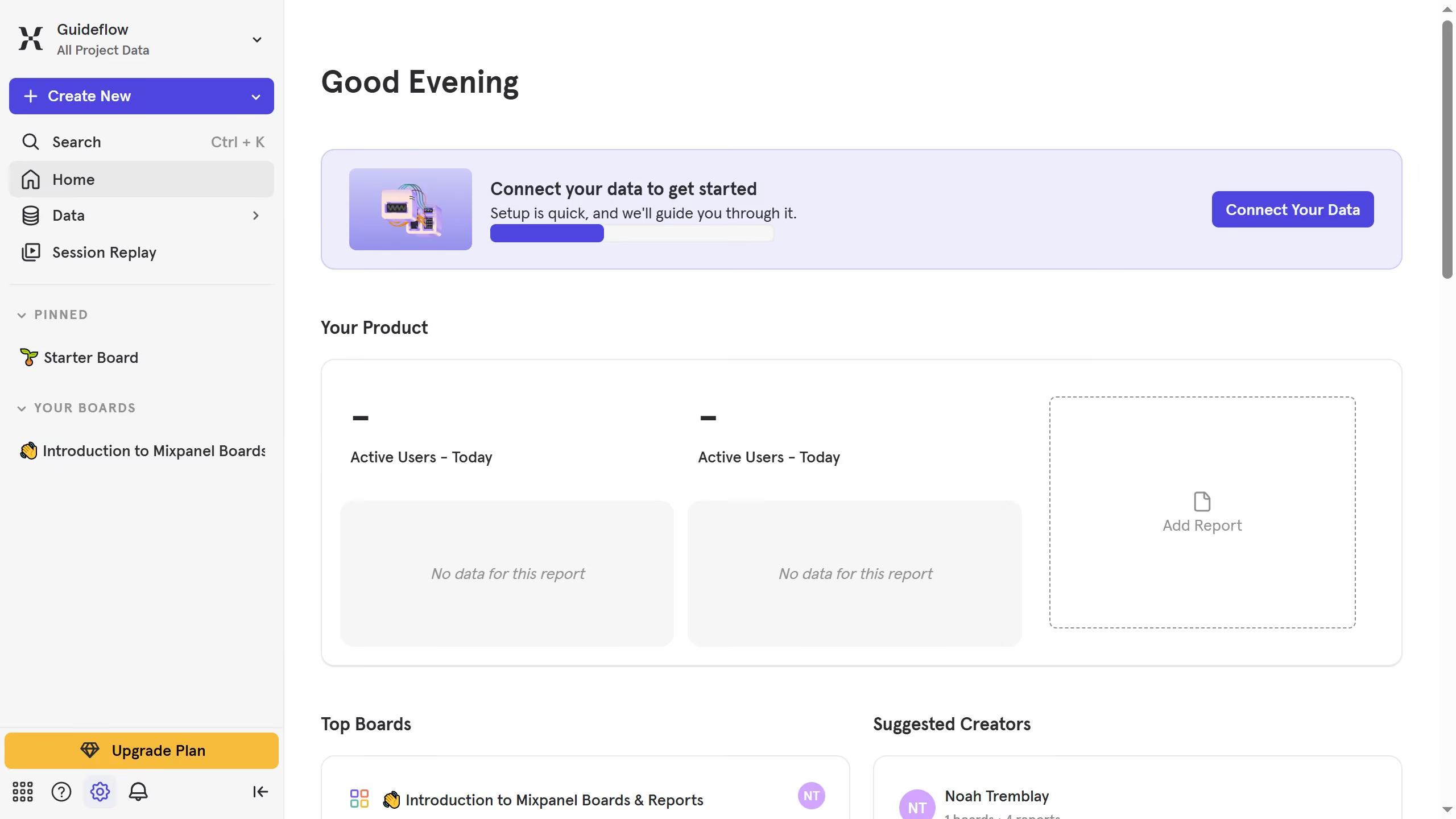
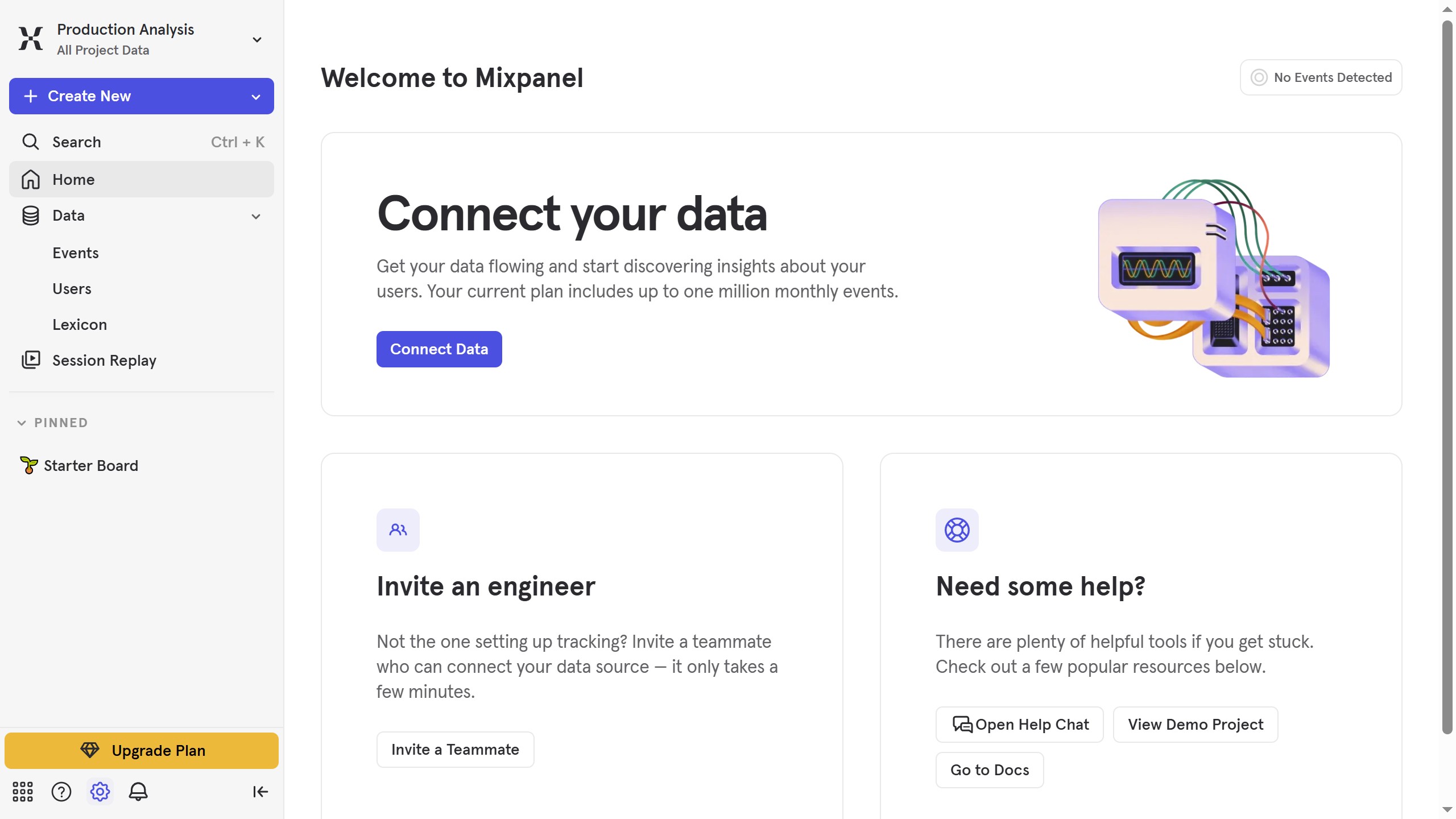
  1. First click on "Lexicon" in the left sidebar
  2. Then click on "Custom Event Properties" in the left sidebar
  3. Then click on "Edit Columns" button
  4. Finally uncheck the checkbox next to "Created"

Create your own interactive guide with Guideflow

Why should you hide created column in custom event properties in Mixpanel

Mixpanel is a powerful analytics platform designed to help businesses understand user interactions and optimize product experiences.

One of its useful features is the ability to hide the "created" column in custom event properties. This functionality streamlines data views by removing unnecessary details, enabling teams to focus on relevant metrics that drive decision-making.

Hiding the created column helps in maintaining a clean and organized dashboard, making it easier for analysts to interpret data and derive insights efficiently.

Last update
June 10, 2026
Cursor MariaA cursor points to a button labeled "James."

Create your first demo in less than 30 seconds.