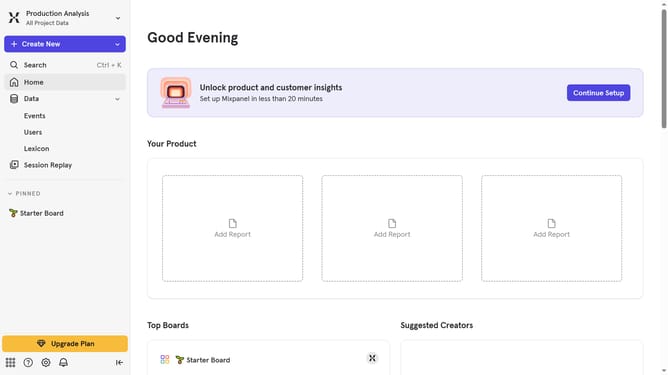
How to hide last queried column in events in Mixpanel
Here is how to hide last queried column in events in mixpanel
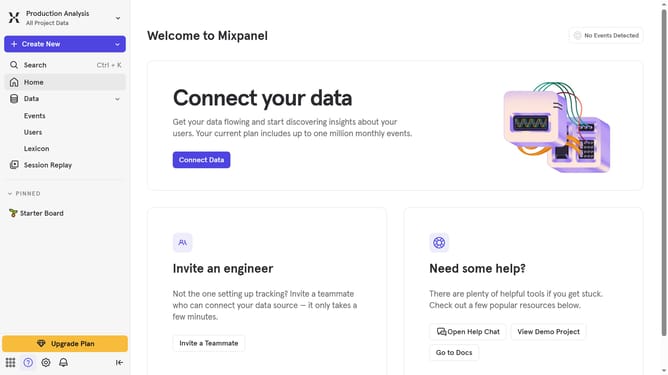
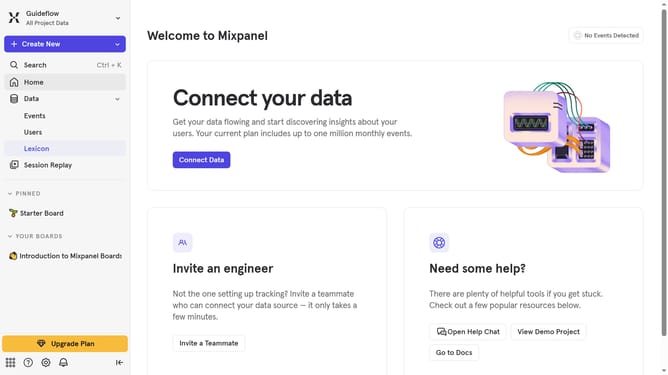
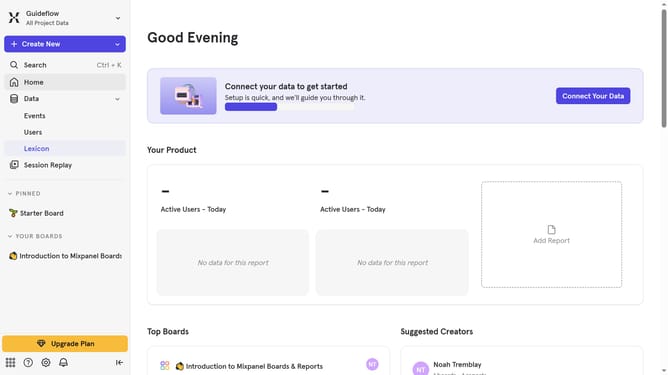
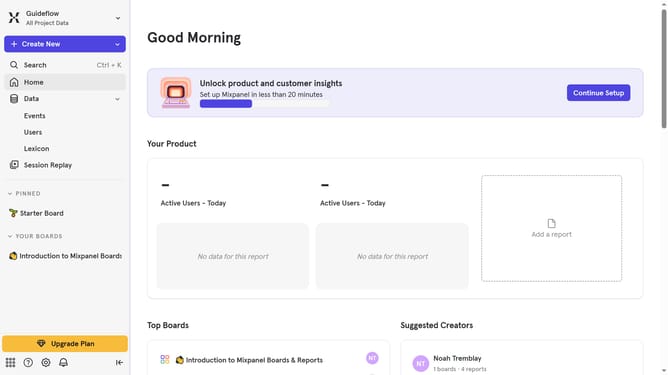
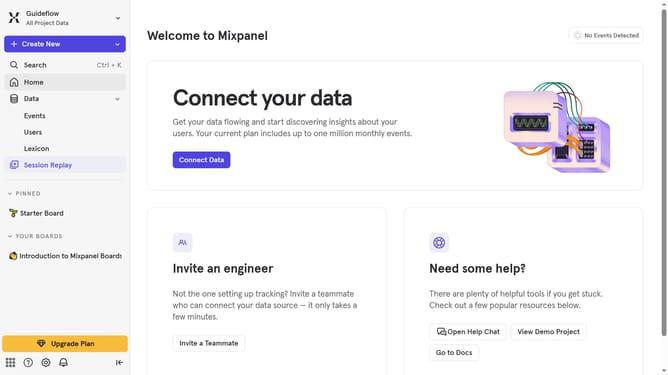
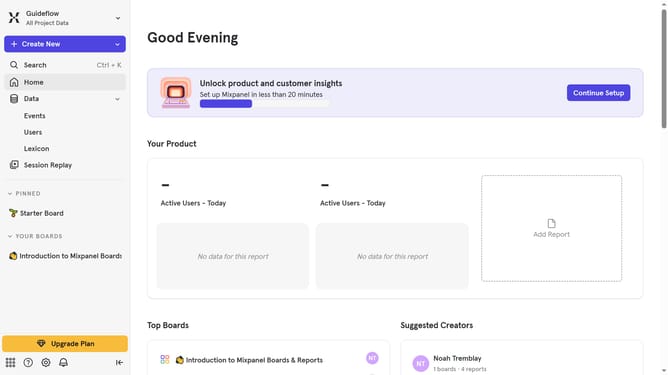
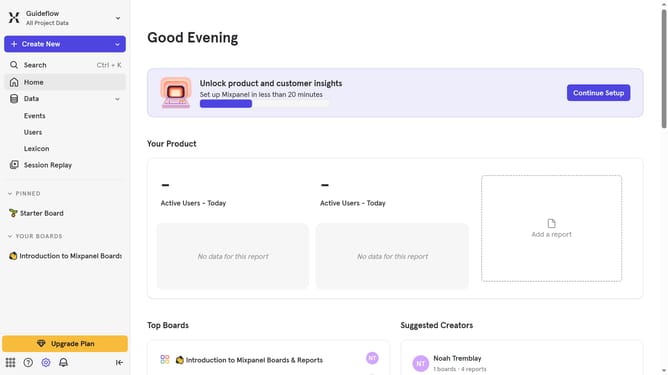
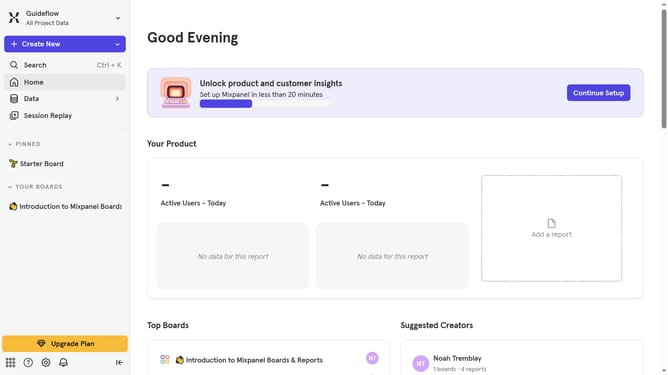
- First click on "Lexicon" in the sidebar
- Then click on "Edit Columns" button
- Finally uncheck the checkbox next to "Last queried"
Why should you hide last queried column in events in Mixpanel
Mixpanel is a versatile analytics tool designed to help you understand and improve user engagement.
One helpful feature in Mixpanel is the ability to hide the last queried column in events. This allows analysts to focus on key data without distraction.
By hiding irrelevant data, your dashboards remain clutter-free and easy to interpret, enhancing decision-making.
Last update