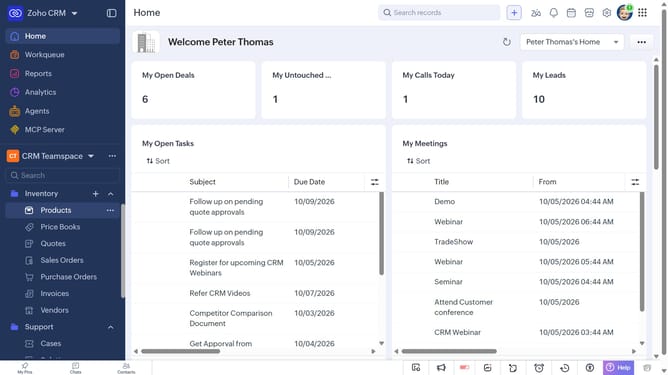
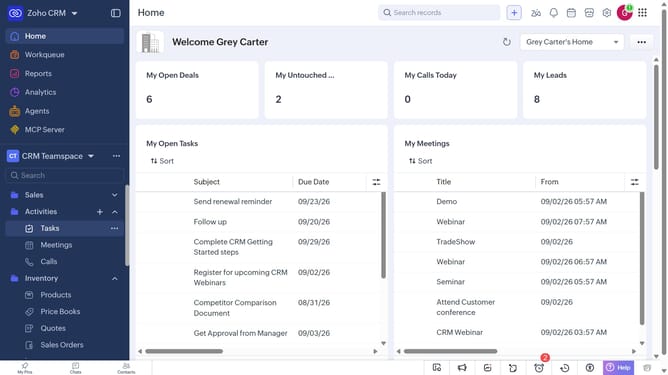
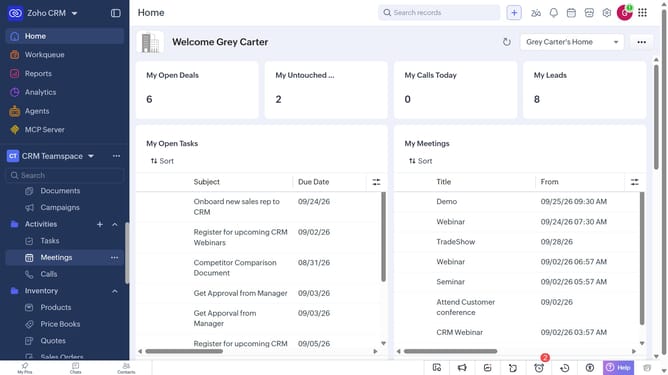
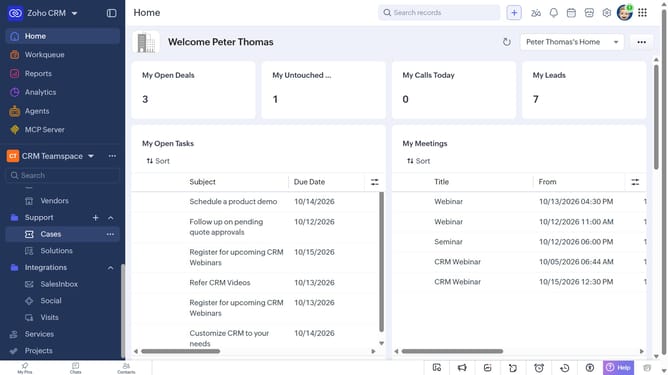
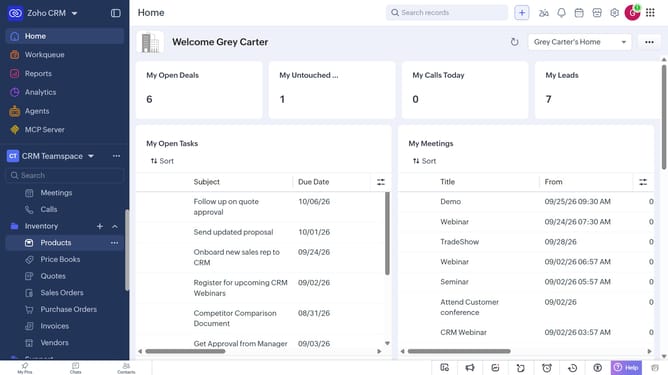
How to preview a different font on Zoho CRM
Here is how to preview a different font on zoho crm
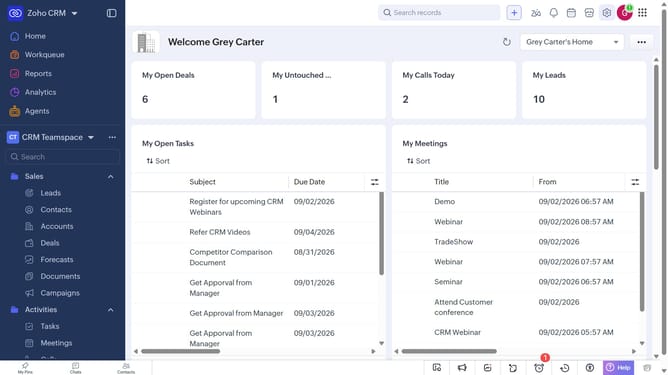
- First click on the settings icon in the top menu
- Next click on "Personal Settings" under the "General" section
- Click on the "Accessibility" tab
- After that, click on the "Vision" tab
- Next, locate the "Font" section
- Then, click on "Live Preview" to open the font preview
- Finally, select a different font to preview how it appears across Zoho CRM
Why should you How to preview a different font on Zoho CRM
Zoho CRM is a dynamic tool designed to streamline customer relationship management for businesses of all sizes.
Previewing a different font in Zoho CRM adds a personalized touch to your CRM interface, enhancing both aesthetics and readability.
This feature allows users to experiment with various font styles, helping them choose the most suitable one for their brand identity and ensuring content is easy to digest.
By customizing your font, you create a more engaging experience for users, making information visually appealing and fostering better user interaction.
Last update