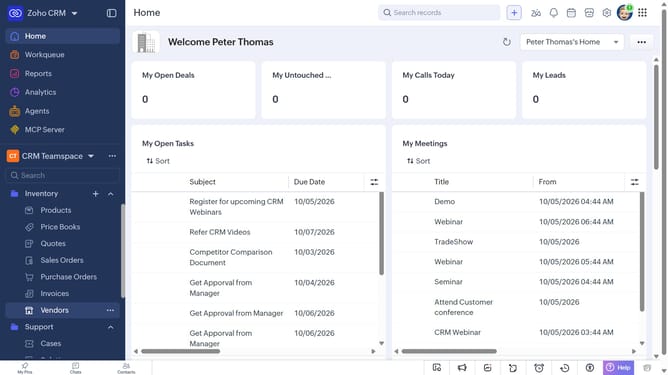
How to export products in bulk on Zoho CRM
Here is how to export products in bulk on zoho crm
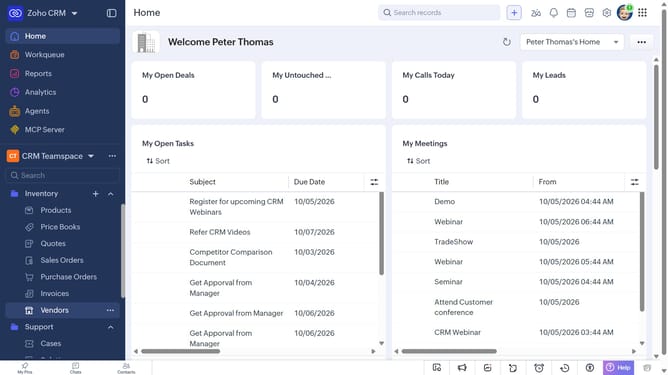
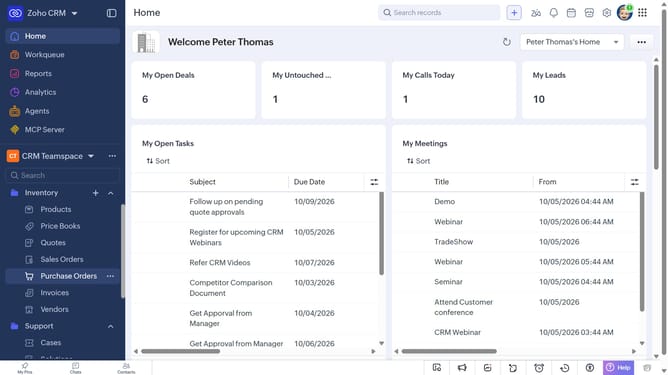
- First, click on "Products" under "Inventory" in the left sidebar menu
- Locate the product you want to export
- Next, select the checkboxes next to each record
- Click on the "More Options" button at the top of the list
- Select "Export Selected Records" from the dropdown menu
- In the "Export Selected Records" dialog, select the file type
- Then, toggle the "Set Password" switch on or leave it off
- Finally click on the "Export" button
Why should you How to export products in bulk on Zoho CRM
Zoho is a versatile software suite designed to streamline business operations and enhance productivity.
One of the standout features of Zoho CRM is the ability to export products in bulk, providing immense value to businesses managing extensive product inventories. This feature allows users to efficiently export detailed product information, saving time and minimizing manual errors.
Exporting in bulk enhances data management and facilitates smoother operations. It simplifies inventory tracking and aids in seamless data analysis, empowering businesses to make informed decisions swiftly.
Last update