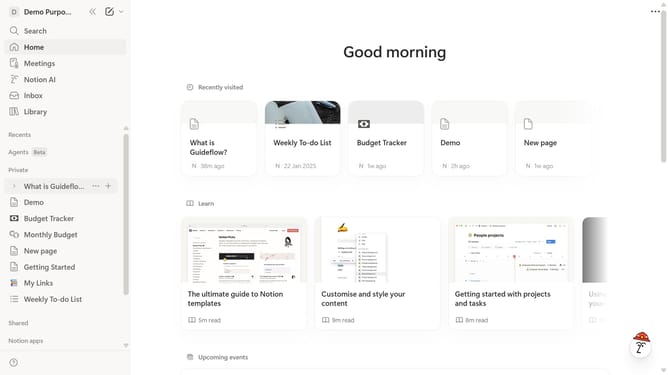
How to make columns in Notion
Here is how to make columns in notion
- Click on the command input area and type "/columns"
- Select the desired column layout
Why should you make columns in Notion
Notion is an all-in-one workspace designed to revolutionize productivity and organization.
One of its standout features is the ability to make columns, which enhances your ability to manage information effectively. By using columns, users can structure content visually, making it easier to digest and navigate through documents.
This feature is particularly beneficial for creating comparative lists, organizing detailed project information side-by-side or designing intricate dashboards that foster clarity and focus.
Overall, columns in Notion enhance your workspace by allowing for a more intuitive and visually appealing layout, streamlining comprehension and workflow.
Last update