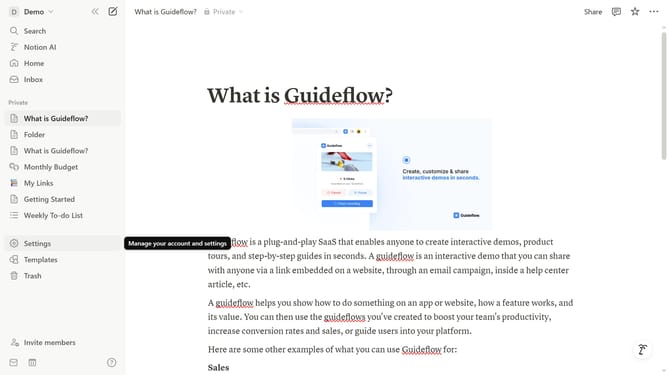
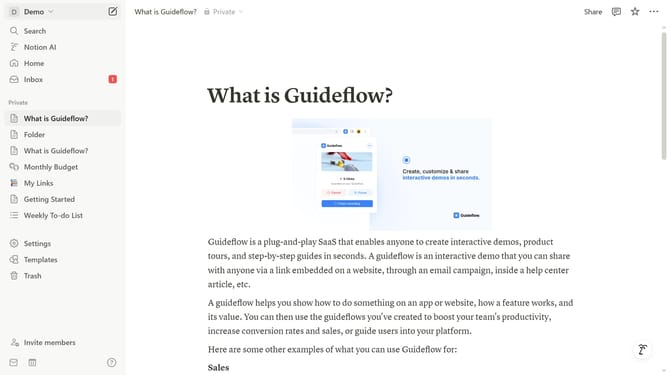
How to make a Notion page private
Here is how to make a notion page private
- First click onoption in the left sidebar next to the page title
- Then click on "Move to" option from the dropdown menu that appears
- Next click on "Private pages" from the move destination dialog
- Finally click on "Move to private" button in the confirmation dialog to make the page private
Why should you make a Notion page private
Notion is a versatile workspace designed to streamline your projects and organize your life seamlessly.
One of its standout features is the ability to make a Notion page private, providing the peace of mind that your sensitive information is secure.
With this feature, you can protect your confidential notes and personal projects from unauthorized access, ensuring that only you or selected team members view them.
Ultimately, this enhances your digital workspace's security and empowers you to work more confidently and independently.
Last update