How to delete workspace in Notion
Here is how to delete workspace in notion
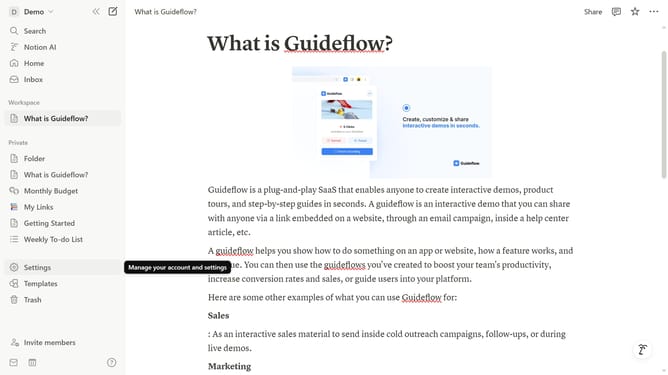
- First click on the workspace switcher icon in the top left header
- Then click on "Settings" button in the workspace menu
- Next click on "General" option in the settings sidebar
- Then click on "Delete workspace" button in the Danger zone section
- Next type the name of the workspace to confirm
- Finally click on "Permanently delete workspace" button in the confirmation dialog
Why should you delete workspace in Notion
Notion is a versatile workspace application designed to streamline productivity and enhance organization.
Understanding how to delete a workspace in Notion is essential for maintaining digital clarity and ensuring focus on only active projects. This feature empowers users by providing the flexibility to manage their digital space efficiently.
By deleting unused or redundant workspaces, users can declutter their environment, allowing for greater focus and improved productivity on current tasks. It's about creating a streamlined workflow that supports your goals.
Last update