How to enable workspace digest email notifications in Notion
Here is how to enable workspace digest email notifications in notion
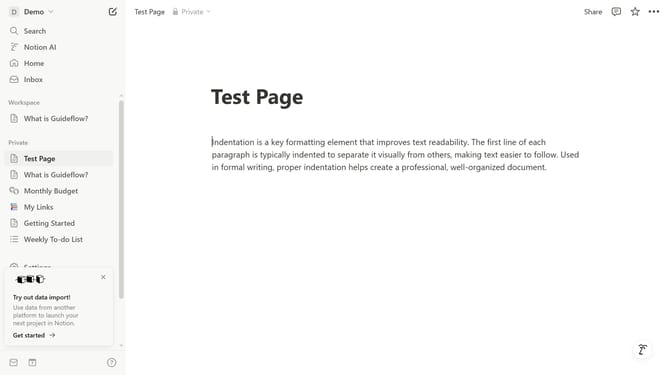
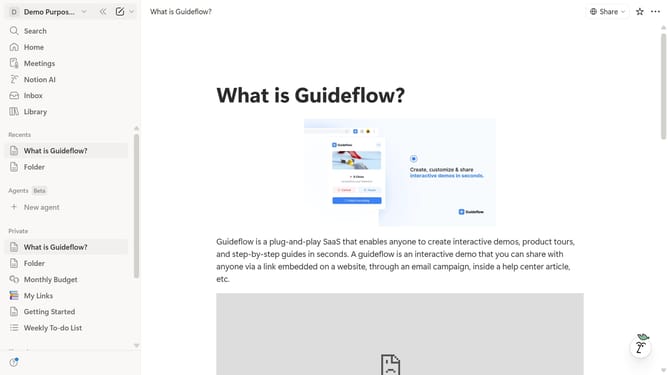
- First click on the workspace dropdown menu in the top left header
- Then click on the "Settings" button in the workspace menu
- Next click on the "Notifications" option in the account settings sidebar
- Finally click on the "Workspace digest" toggle switch to turn it on
Why should you enable workspace digest email notifications in Notion
Notion is a versatile tool crafted to streamline your workflow and elevate productivity through a seamless workspace experience.
Enabling workspace digest email notifications in Notion is an outstanding feature that helps you stay informed and connected without constantly checking the app.
This feature empowers team members by summarizing key updates, ensuring you never miss crucial changes or deadlines.
By enabling these notifications, you enhance teamwork, keeping everyone aligned and focused on shared goals efficiently.
Last update