How to disable marketing cookies in Notion
Here is how to disable marketing cookies in notion
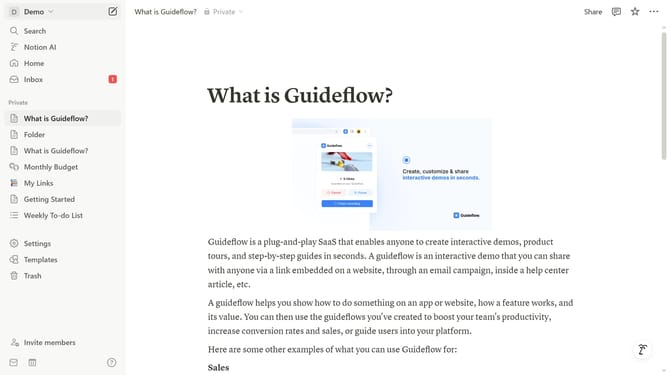
- First click on the workspace dropdown button in the top left header
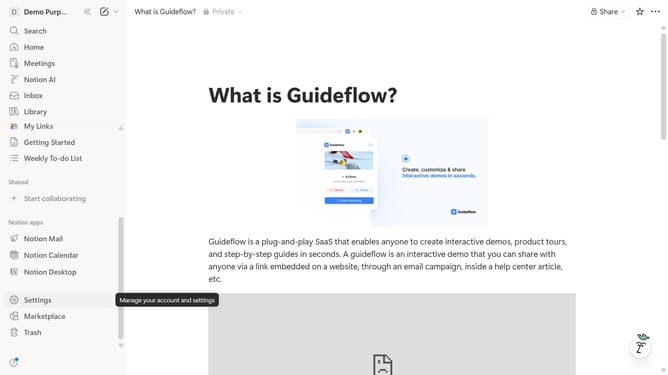
- Then click on "Settings" button in the workspace menu panel
- Next click on "Preferences" option in the left sidebar navigation
- Then click on "Customize" button in the Cookie settings section of the Privacy area
- Finally toggle off the "Marketing" cookies in the customization dropdown menu
Why should you disable marketing cookies in Notion
Notion is an all-in-one workspace designed to streamline collaboration and organization.
Disabling marketing cookies in Notion can significantly enhance your privacy while using the platform.
By opting out, users gain greater control over their data, ensuring a more secure and personalized experience.
This feature grants peace of mind, as it limits unnecessary tracking and aligns with modern digital privacy preferences.
Last update