How to set short date format in Notion
Here is how to set short date format in notion
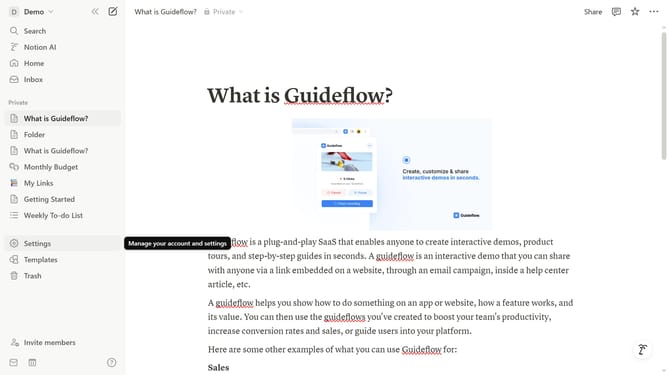
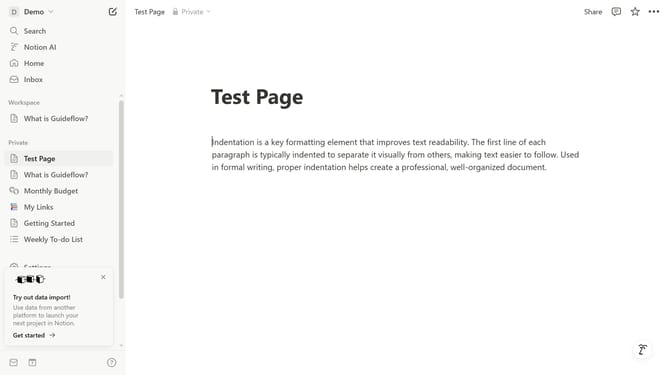
- First click on the workspace dropdown button in the top header to open the workspace menu
- Then click on the "Settings" button in the workspace menu panel
- Next click on the "Preferences" option in the left sidebar of the settings modal
- Then click on the Date format dropdown button
- Finally select the "Short date" option from the date format dropdown menu
Why should you set short date format in Notion
Notion is a versatile all-in-one workspace designed to enhance your productivity and organization.
Setting a short date format in Notion quickly streamlines your workflow by presenting date information concisely, allowing for a clearer overview of timelines and schedules.
This feature is particularly beneficial for simplifying complex projects, helping users to efficiently track progress without getting bogged down in unnecessary detail.
Ultimately, using a short date format in Notion enhances readability and keeps your workspace neat and uniform.
Last update