How to disable marketing communications in Notion
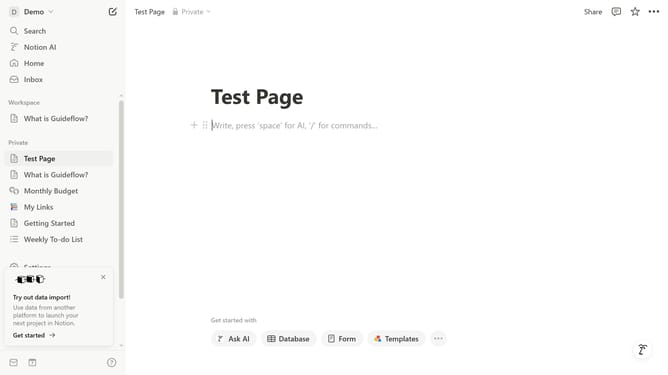
Here is how to disable marketing communications in notion
- First click on "Settings" link in the sidebar
- Then click on "Notifications" item in the settings menu
- Next click on "Manage settings" button in the email notifications section
- Then click on the toggle switch to disable "Marketing" communications
- Finally click on "Save Changes" button to confirm the preferences
Why should you disable marketing communications in Notion
Notion is a versatile workspace tool designed to help individuals and teams organize their tasks, notes, and projects seamlessly.
The ability to disable marketing communications in Notion is a straightforward feature that empowers users to manage their communication preferences efficiently. By opting out of marketing emails, users can enjoy a quieter inbox, focusing more on important notifications and critical work updates.
This feature enhances user autonomy, allowing more control over the information flow they receive, leading to a more personalized and clutter-free user experience.
Ultimately, it contributes to a more streamlined and uninterrupted workflow, enabling users to prioritize their productivity and peace of mind.
Last update