How to add table block in Notion
Here is how to add table block in notion
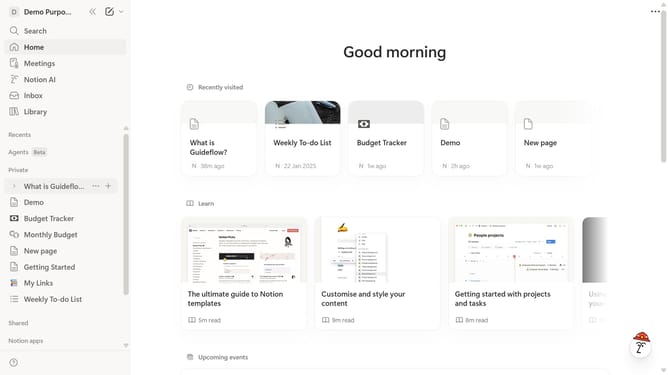
- First open the page where you want to add the table block.
- Then, click on the "+" icon that appears next to the "Demo" title.
- Finally, select "Table" from the dropdown menu that appears.
Why should you add table block in Notion
Notion is a versatile all-in-one workspace for organizing your thoughts, projects, and collaboration seamlessly.
One of its standout features is the ability to effortlessly add a table block, making data management intuitive and straightforward.
Adding a table block in Notion allows you to neatly organize and visualize your data, supporting clarity and better decision-making.
This feature enhances productivity by providing a structured layout, simplifying information tracking, and fostering a more organized workspace environment.
Last update