How to add Figma embed block in Notion
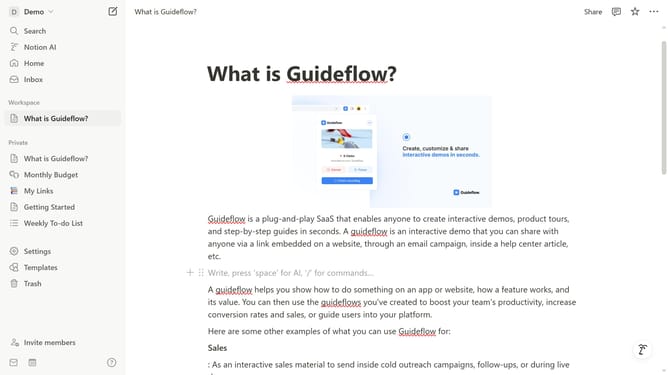
Here is how to add figma embed block in notion
- First, in the sidebar, click the page that you want to edit
- Then, click on the plus icon to add a new block
- Finally, from the dropdown menu in the main content area, select "Figma"
Why should you add Figma embed block in Notion
Notion is a versatile productivity tool that seamlessly blends your personal and professional workflows.
Adding a Figma embed block in Notion allows you to integrate dynamic design presentations directly within your workspace. This feature transforms static documents into interactive canvases, fostering a more collaborative environment.
By embedding Figma files into Notion, users can enhance visual communication and streamline feedback processes. This integration is perfect for design teams seeking to synergize creativity with practical planning, making work both engaging and efficient.
Last update