How to enable page view analytics in Notion
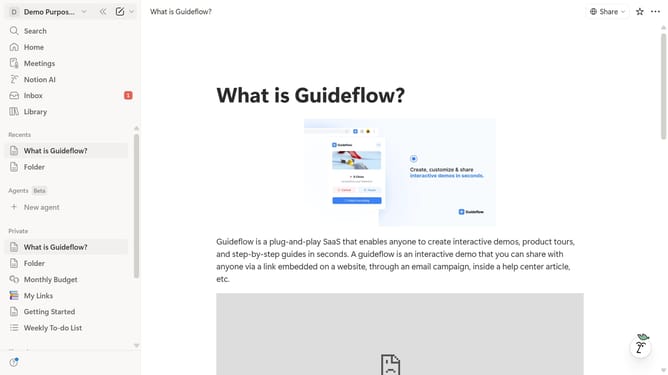
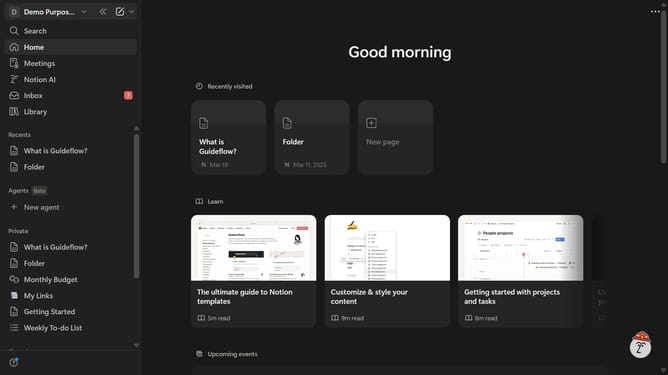
Here is how to enable page view analytics in notion
- First click on the workspace switcher button in the header
- Then click on the "Settings" button in the workspace menu
- Next click on the "General" option in the sidebar navigation
- Finally enable the toggle button for "Save and display page view analytics" in the Analytics section
Why should you enable page view analytics in Notion
Notion is a versatile workspace designed to organize your life and projects.
Enabling page view analytics in Notion adds a new dimension by providing insights into how your pages are interacted with by others.
This feature allows you to track engagement, understanding which content captures more attention and drives interactions.
Gaining this knowledge is invaluable for optimizing content strategy, ensuring that your efforts align with audience interests and needs.
Last update