How to enable meeting transcription status notifications in Notion
Here is how to enable meeting transcription status notifications in notion
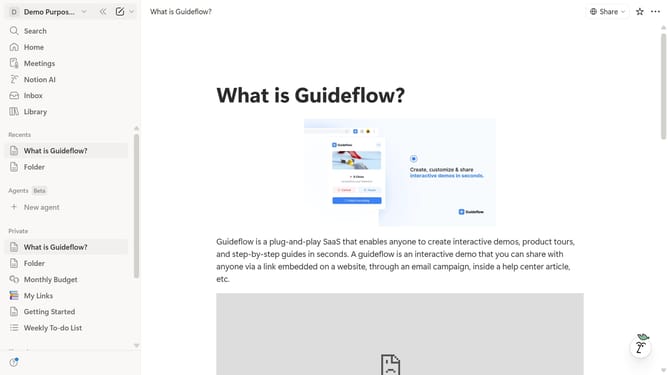
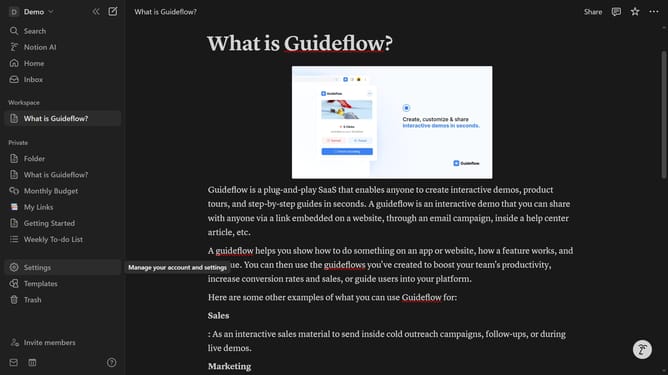
- First click on the "Demo" workspace dropdown in the top left sidebar
- Then click on the "Settings" button in the workspace menu panel
- Next click on the "Notifications" option in the left settings menu
- Finally turn off the "Meeting is being transcribed" toggle option in the notifications panel
Why should you enable meeting transcription status notifications in Notion
Notion is a versatile digital workspace designed to streamline tasks and enhance team collaboration.
Enabling meeting transcription status notifications in Notion is a feature that enhances team communication and organizational efficiency. This feature keeps everyone in the loop by notifying users about the progress of meeting transcriptions effortlessly.
Using this feature helps teams ensure no important detail is missed during meetings, promoting effective collaboration and seamless knowledge transfer.
Overall, it fosters a more connected and informed work environment, taking teamwork to the next level.
Last update