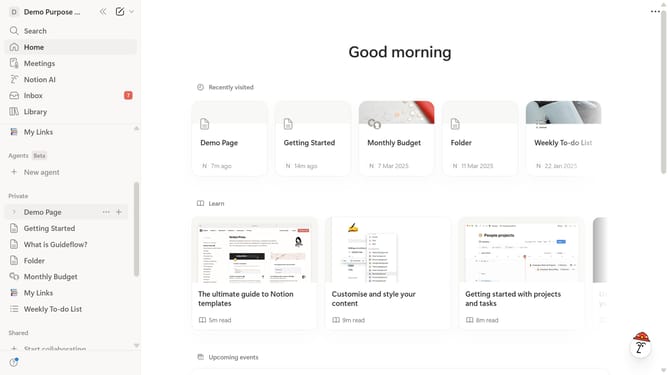
How to hide view history in Notion
Here is how to hide view history in notion
- First click on the workspace icon in the top-left header to open the workspace menu
- Then click on the "Settings" button in the workspace menu dropdown
- Next click on the "Preferences" option in the settings sidebar
- Finally toggle off the "Show my view history" switch in the Privacy section of Preferences
Why should you hide view history in Notion
Notion is a versatile workspace designed to help you organize thoughts, tasks, and projects seamlessly.
One of its features allows users to hide view history, offering a layer of privacy to your workspace. This feature ensures your activities remain personal, fostering a comfortable environment for free exploration and creativity.
By hiding view history, you maintain a clean slate, which can enhance focus and reduce distractions from previous interactions. Whether brainstorming new ideas or revising documents, the ability to control your view history can enhance productivity and retain a sense of privacy.
Last update