How to disable Sales communications in Notion
Here is how to disable sales communications in notion
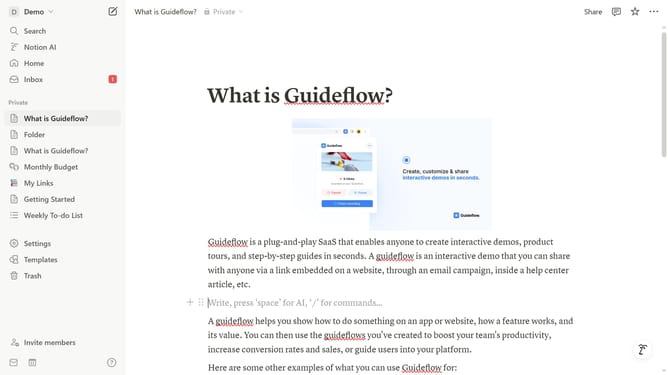
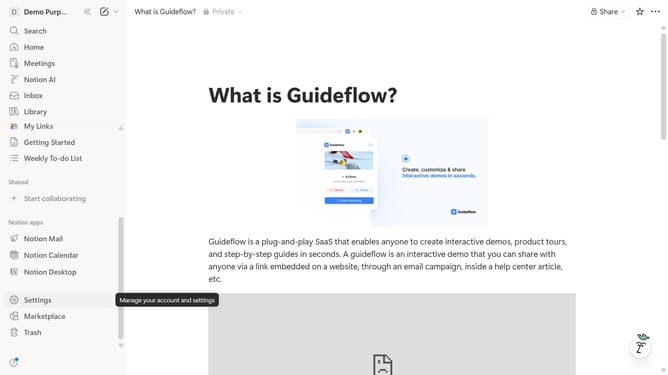
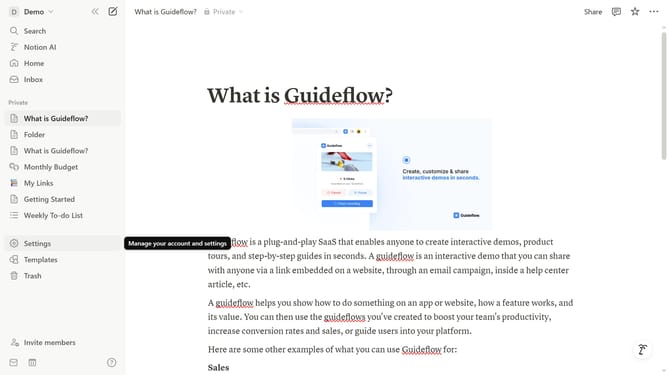
- First click on "Settings" link in the sidebar
- Then click on "Notifications" option in the settings menu
- Next click on "Manage settings" button in the email notifications section
- Then click on the "Sales" toggle switch to disable sales communications
- Finally click on "Save Changes" button to confirm the preference updates
Why should you disable Sales communications in Notion
Notion is an all-in-one workspace designed to create, organize, and manage tasks seamlessly.
Disabling Sales communications in Notion can help streamline your notifications, allowing you to focus on the content and tasks that matter most.
This feature empowers users to maintain a clutter-free workspace, ultimately enhancing productivity.
By reducing unnecessary interruptions, you can keep your attention on building, planning, and executing projects effectively.
Last update