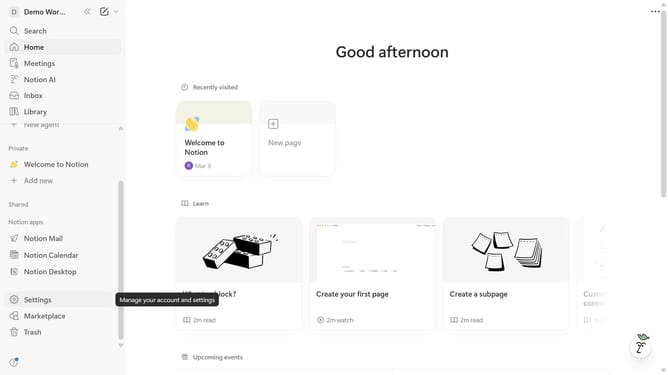
How to set a custom landing page in Notion
Here is how to set a custom landing page in notion
- First click on "Settings" in the sidebar
- Then click on "General" under the Workspace section in the settings menu
- Next click on "Select page" button in the Custom landing page section
- Finally select the desired page from the dropdown menu
Why should you set a custom landing page in Notion
Notion is a versatile digital workspace designed to organize your personal and professional life seamlessly.
One of its standout features is the ability to set a custom landing page, allowing users to personalize their workspace environment.
By tailoring your starting point, you can create a more intuitive and aesthetically pleasing interface that matches your workflow and priorities.
This feature enhances productivity by providing immediate access to vital information and personalized content as soon as you open Notion, fostering a more efficient and motivated work environment.
Last update