How to disconnect Zendesk integration in Notion
Here is how to disconnect zendesk integration in notion
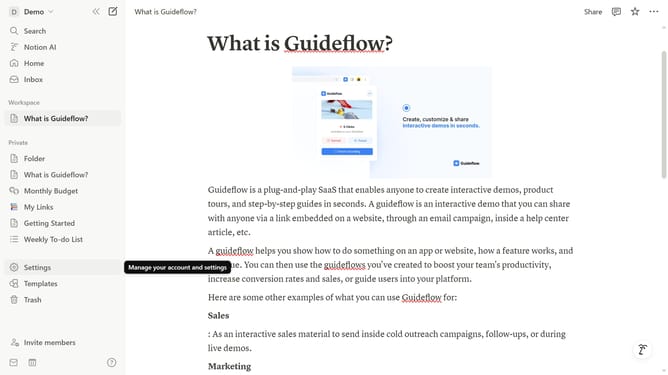
- First click on "Settings" in the sidebar
- Then click on "Connections" in the settings menu
- Next click on the three dots menu icon next to the Zendesk connection
- Then click on "Disconnect account" option from the dropdown menu
- Finally click on "Yes" button in the confirmation dialog
Why should you disconnect Zendesk integration in Notion
Notion is a versatile workspace that streamlines productivity by integrating essential tools for seamless collaboration.
Sometimes, you may need to manage your digital environment by disconnecting integrations like Zendesk from Notion.
This action can help maintain privacy and reduce distractions, leading to a more focused and efficient workspace.
Reassessing such integrations ensures that your Notion space remains optimized for your current workflow needs.
Last update