How to add web bookmark block in Notion
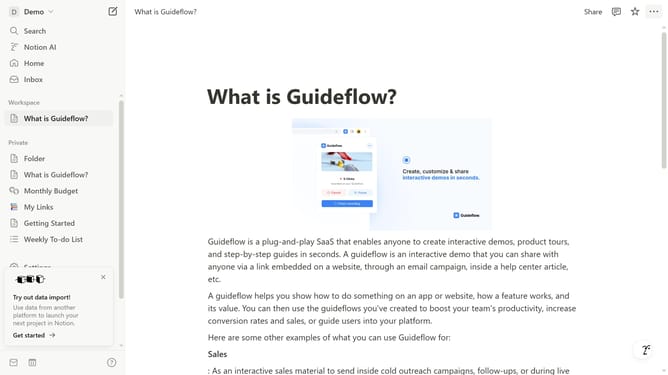
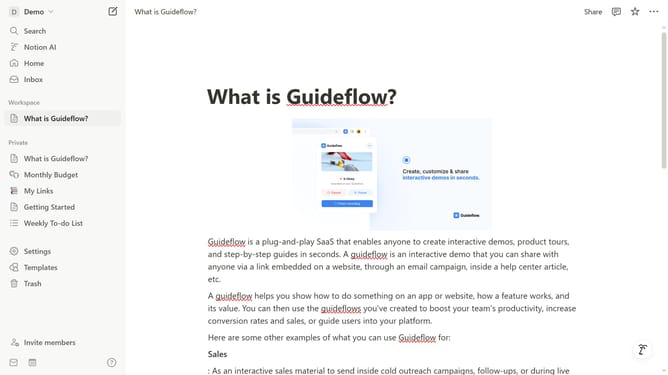
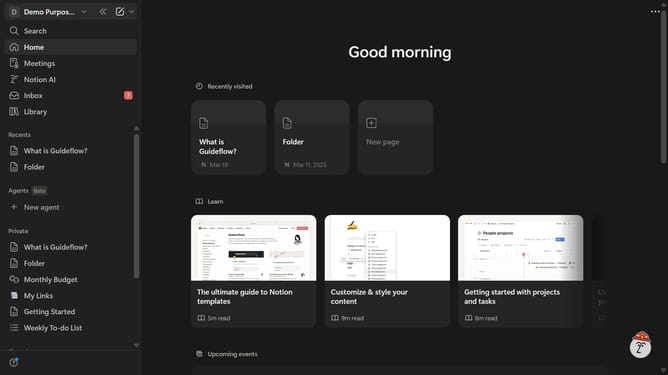
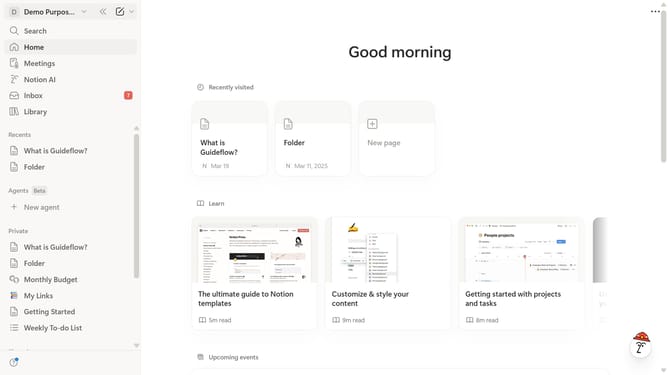
Here is how to add web bookmark block in notion
- First open the page where you want to add a web bookmark block.
- Then, click on the "+" icon in the header to add a new item.
- Finally, select "Web bookmark" from the dropdown menu.
Why should you add web bookmark block in Notion
Notion is an all-in-one workspace that blends your everyday work apps into one.
Adding a web bookmark block in Notion is a seamless way to collect, organize, and access your favorite online resources directly from your workspace.
This feature allows you to enhance productivity by keeping essential links handy, ensuring you never lose track of important web pages.
By integrating web bookmarks, you enhance the accessibility of pertinent information, streamlining your workflow and focusing on tasks that matter.
Last update