How to change theme in Notion
Here is how to change theme in notion
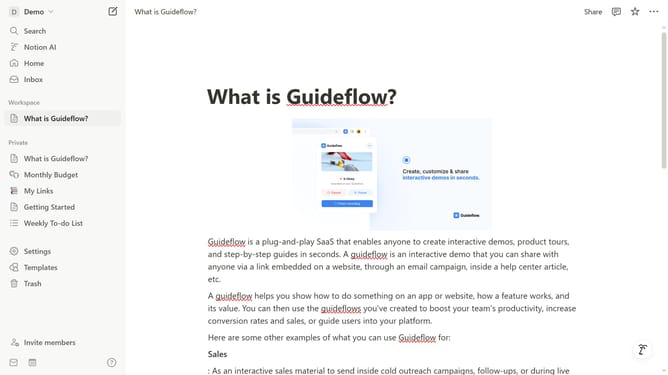
- First click on the workspace menu button in the top header to expand the dropdown menu
- Then click on the "Settings" button in the workspace dropdown menu
- Next click on the "Preferences" option in the left sidebar menu
- Then click on the theme dropdown button in the Theme section
- Finally select your preferred option from the theme dropdown menu
Why should you change theme in Notion
Notion stands out as an all-in-one workspace designed to streamline your organization and productivity seamlessly.
The ability to change themes in Notion is a feature that empowers users to customize their experience, creating a workspace that reflects personal style or enhances focus.
By choosing different themes, you can adjust the visual aesthetics to suit various work environments, helping to maintain motivation and improve task management.
Embracing this feature means harmonizing your digital workspace with your unique preferences, fostering a more engaging and satisfying work experience.
Last update