How to change workspace icon in Notion
Here is how to change workspace icon in notion
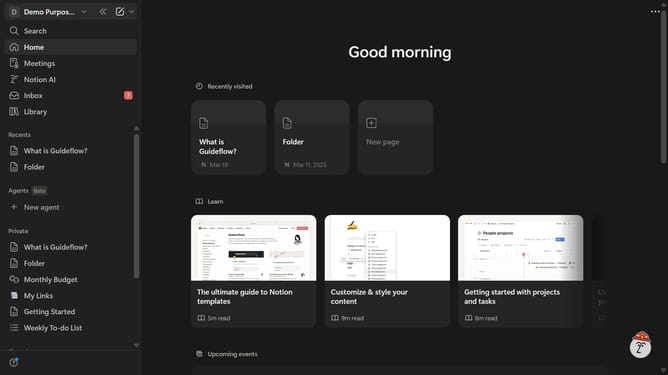
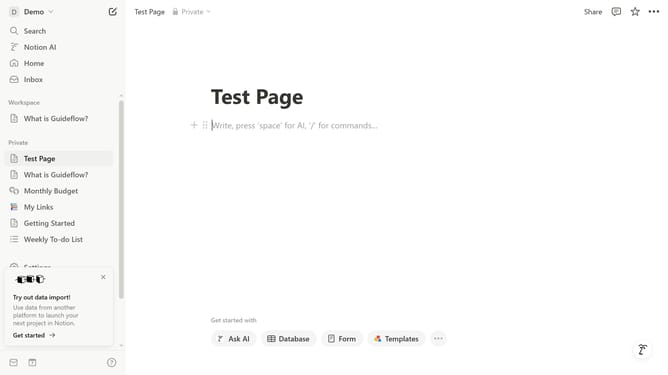
- First click on the workspace icon in the top left corner of the navigation header
- Then click on "Settings" button in the workspace menu dropdown
- Next click on "General" option in the workspace settings sidebar
- Then click on the workspace icon button in the Icon section
- Next click on "Upload" tab in the icon selection modal
- Then click on the "Upload an image" button and upload your desired image
- Finally click on "Save" button to confirm the workspace icon change
Why should you change workspace icon in Notion
Notion revolutionizes workspace organization by providing a flexible platform for productivity and collaboration.
One standout feature is the ability to change your workspace icon, which helps personalize your Notion space.
Updating the icon allows for easy and instant visual identification, making workflow navigation seamless.
This feature not only adds a touch of creativity but also enhances functionality by aligning your workspace visually with your projects and priorities.
Last update