How to set light mode theme in Notion
Here is how to set light mode theme in notion
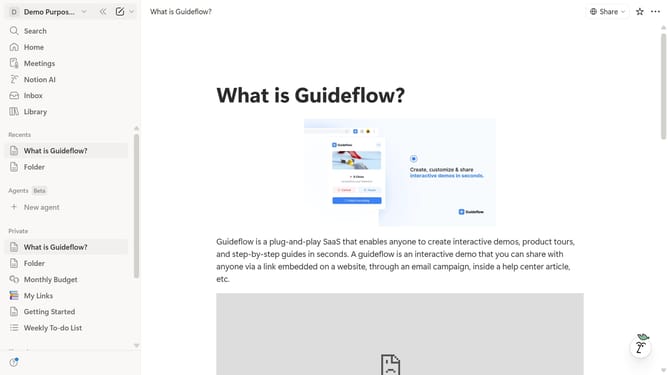
- First click on the workspace name button in the header to open the workspace menu
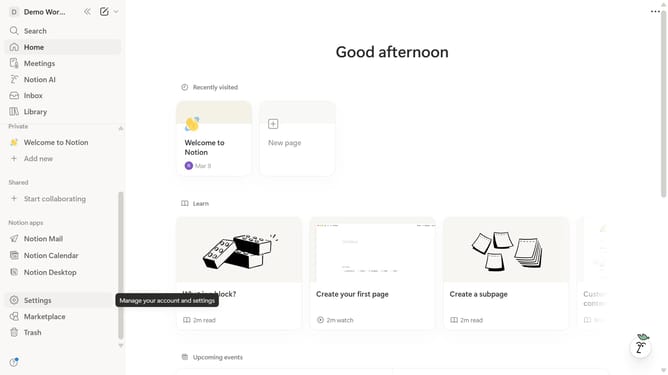
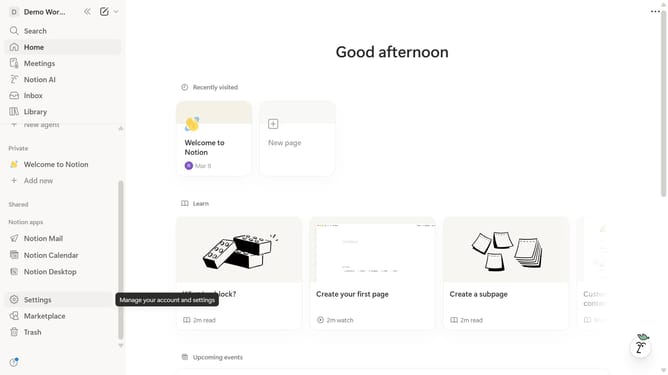
- Then click on "Settings" button in the workspace dropdown menu
- Next click on "Preferences" option in the account settings sidebar
- Then click on the theme dropdown button in the Appearance section
- Finally select "Light" option from the theme dropdown menu
Why should you set light mode theme in Notion
Notion is a versatile tool designed to streamline personal planning and team collaboration effortlessly.
Switching to the Light Mode theme in Notion enhances readability and can be gentle on the eyes in well-lit environments.
By embracing a brighter interface, users often experience increased focus and productivity.
The aesthetic simplicity of Light Mode offers a refreshing and distraction-free workspace, perfectly complementing creative and organizational tasks.
Last update