How to set Home as open on start in Notion
Here is how to set home as open on start in notion
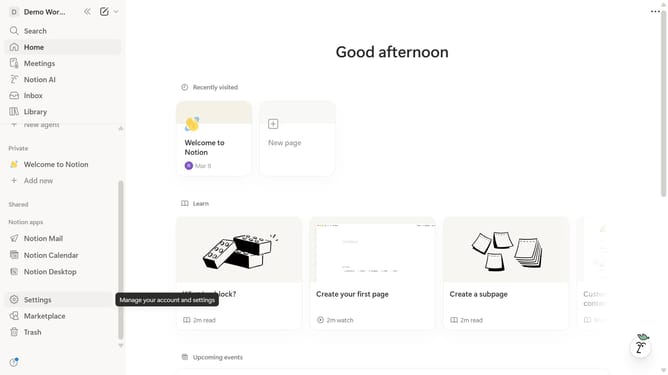
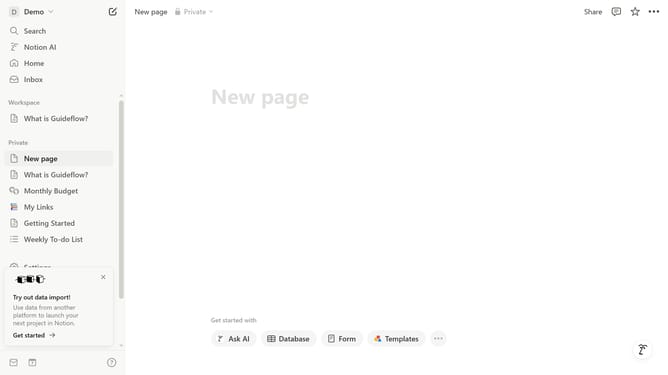
- First click on the workspace menu icon in the top-left header
- Then click on the "Settings" button in the workspace dropdown menu
- Next click on the "Preferences" option in the settings sidebar
- Then click on the "Open on start" dropdown in the Desktop app section
- Finally select "Home" from the open on start dropdown menu
Why should you set Home as open on start in Notion
Notion is your all-in-one workspace to organize tasks, projects, and ideas seamlessly.
One of its efficient features is the ability to set Home as open on start. This ensures you have immediate access to your most essential pages every time you open the app.
By setting Home as open on start, you streamline your workflow from the get-go, helping you stay focused on key priorities.
This feature offers convenience and efficiency by eliminating the need to manually navigate to a starting point, enhancing your productivity from the moment you begin.
Last update