How to insert a row below in a table in Notion
Here is how to insert a row below in a table in notion
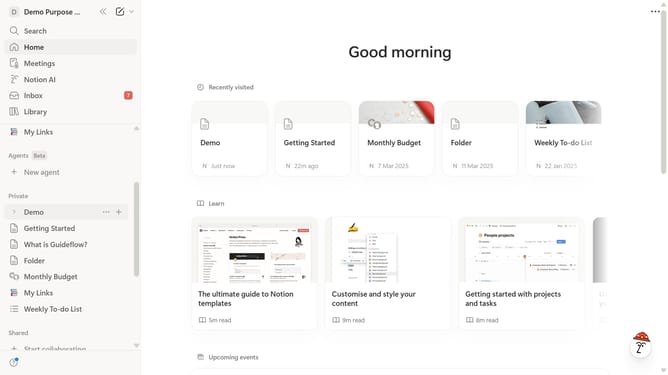
- First, in the left sidebar, click on the page that you want to edit.
- Then click on the row to open the row options.
- Finally click on "Insert below" in the modal.
Why should you insert a row below in a table in Notion
Notion is an all-in-one workspace designed for seamless collaboration and organization.
Inserting a row below in a Notion table is a straightforward feature that enhances your ability to expand datasets effortlessly. This feature allows you to add more information to existing tables, ensuring that your workspace can grow smoothly alongside your projects.
By using this feature, you can keep tables organized and information where it belongs, providing clarity and enhancing productivity. It's an efficient way of ensuring data integrity without disrupting the flow of your document.
Last update