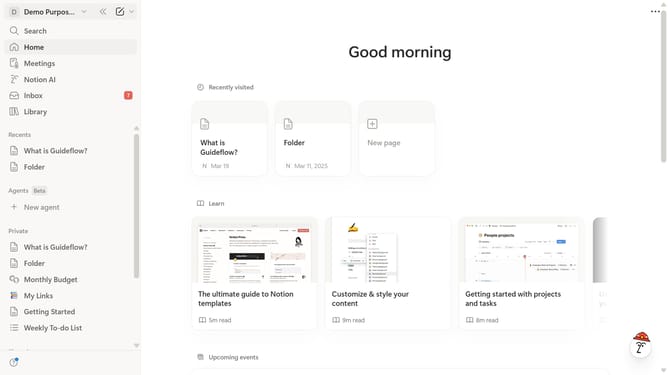
How to set dark mode theme in Notion
Here is how to set dark mode theme in notion
- First click on the workspace dropdown button in the header
- Then click on the "Settings" button in the workspace menu
- Next click on the "Preferences" option in the left sidebar menu
- Then click on the theme dropdown
- Finally select "Dark" from the theme dropdown menu
Why should you set dark mode theme in Notion
Notion is an all-in-one workspace that helps you organize your tasks, projects, and notes effortlessly.
Switching to a dark mode theme in Notion can greatly enhance your user experience. It reduces eye strain, especially in low-light conditions, making it more comfortable to work for extended periods.
Dark mode can also conserve battery life on your devices with OLED screens, providing a practical benefit for on-the-go productivity. This sleek visual theme not only protects your eyes but also gives your workspace a modern, stylish look.
Last update