How to enable page update email notifications in Notion
Here is how to enable page update email notifications in notion
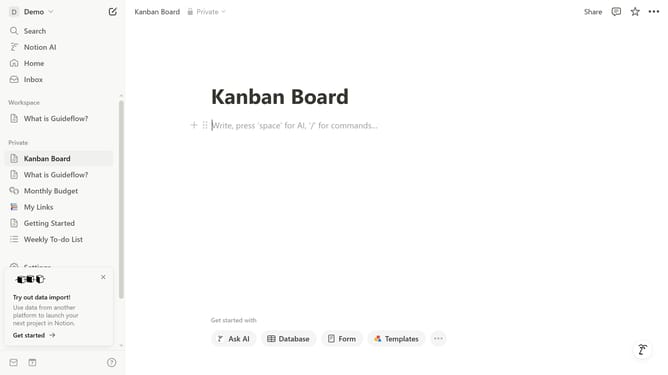
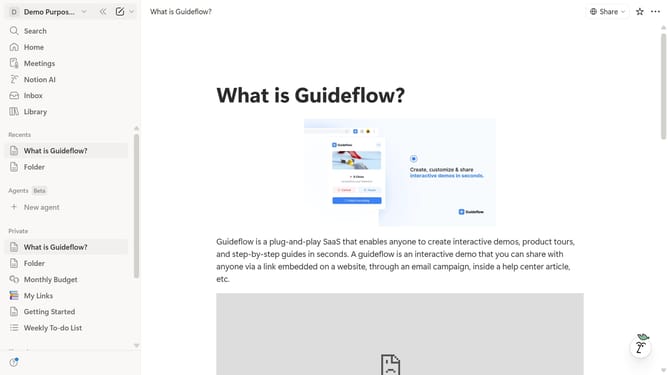
- First click on the workspace dropdown menu in the top left sidebar
- Then click on the "Settings" button in the workspace panel
- Next click on the "Notifications" option in the left settings menu
- Finally click on the "Page updates" toggle switch to enable the notification setting
Why should you enable page update email notifications in Notion
Notion is a versatile and powerful tool designed to streamline workflows and enhance team collaboration.
A standout feature of Notion is the ability to enable page update email notifications.
This feature ensures that you remain informed about changes and updates, keeping everyone aligned without needing to check the app continuously.
By receiving real-time notifications, teams can react promptly, ensuring that projects stay on track and communication remains fluid.
Last update