How to make a kanban board in Notion
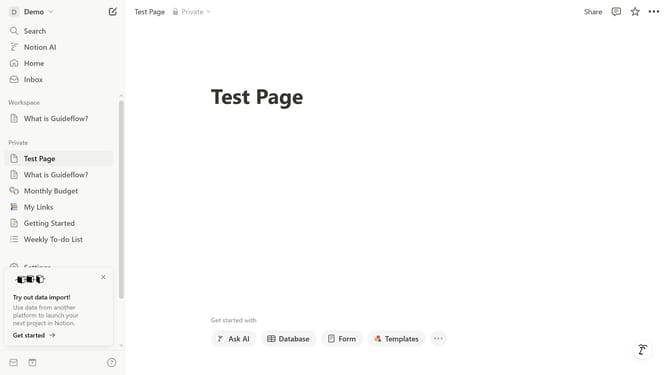
Here is how to make a kanban board in notion
- First click on the text input field
- Then type "/data" in the command input field
- Click on "Database - Inline" option from the dropdown menu
- Click on the "View options" button in the top toolbar
- Select the "Layout" option from the view options menu
- Finally click on the "Board" layout option in the layout settings panel
Why should you make a kanban board in Notion
Notion is a versatile workspace that combines your notes, tasks, and databases all in one beautiful interface.
Creating a kanban board in Notion is an effortless way to visualize your tasks. Simply by organizing your tasks within columns, you can gain a clear view of your project's progress.
This method not only aids in better priority setting but also enhances collaborative efforts by keeping your team aligned.
Use this streamlined approach to boost productivity and ensure nothing falls through the cracks.
Last update