How to comment in Notion
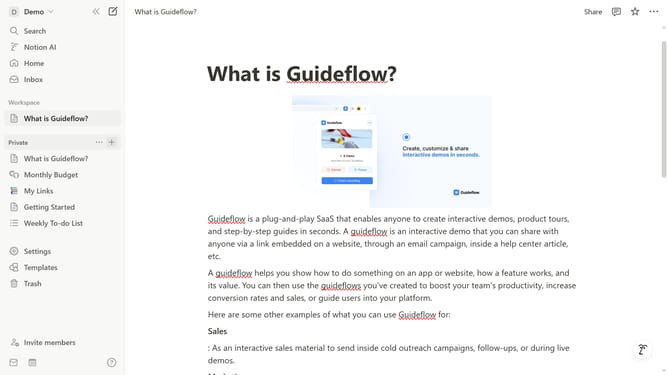
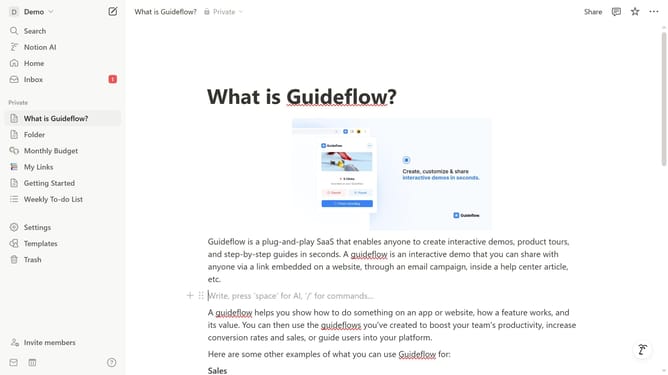
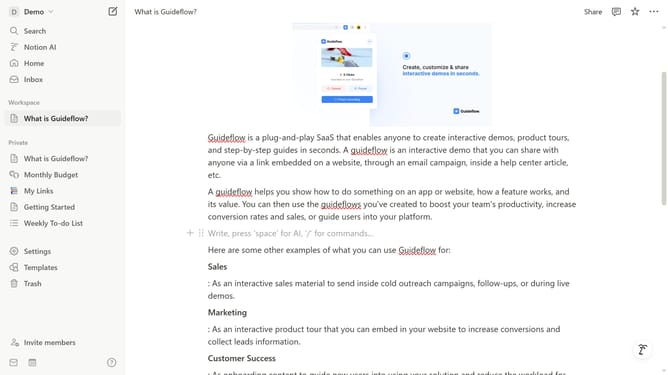
Here is how to comment in notion
- First click the block in the main content area to add new content
- Then click the "Comment" option from the context menu that appears
- Next click in the comment textbox to begin typing a new comment
- Press on the "Blue arrow icon" to save your comment
- Finally click on the comment counter right corner to see the comments
Why should you comment in Notion
Notion is an all-in-one workspace blending note-taking, task management, and collaboration.
One standout feature is the ability to comment, which enhances team communication effortlessly. Comments in Notion provide a platform for users to share insights, feedback, or questions directly tied to any part of your work.
This feature fosters a collaborative environment, ensuring everyone stays informed and engaged. By centralizing conversations, it streamlines team workflow and minimizes misunderstandings.
Last update