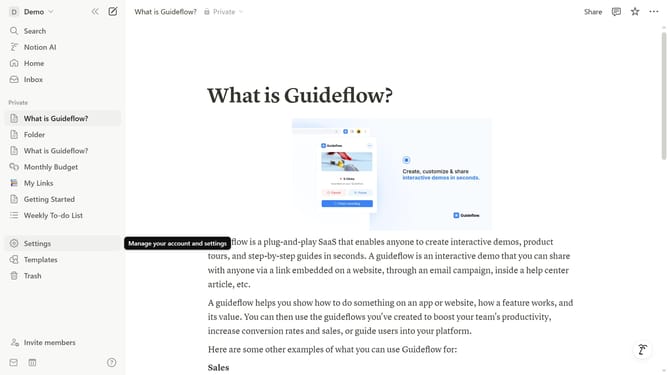
How to embed in Notion
Here is how to embed in notion
- First click on the text input area in the main content section
- Then type '/embed' command in the text input field to activate the embed functionality
- Click on the 'Embed' option in the dropdown menu, which shows 'For PDFs, Google Maps, and more' in the tooltip
- Click on the text field and paste your link
- Finally click the 'Embed link' button in the embed dialog after entering the URL
Why should you embed in Notion
Notion is a versatile tool designed to streamline your daily tasks and enhance productivity.
Embedding in Notion allows you to integrate a variety of external content, bringing together important resources directly into your workspace.
Utilizing this feature helps maintain organization by consolidating information, avoiding the need to switch between multiple applications.
This centralization creates a seamless workflow, ensuring all your essential content is accessible and easy to manage within a single platform.
Last update