How to turn on discoverable for public page in Notion
Here is how to turn on discoverable for public page in notion
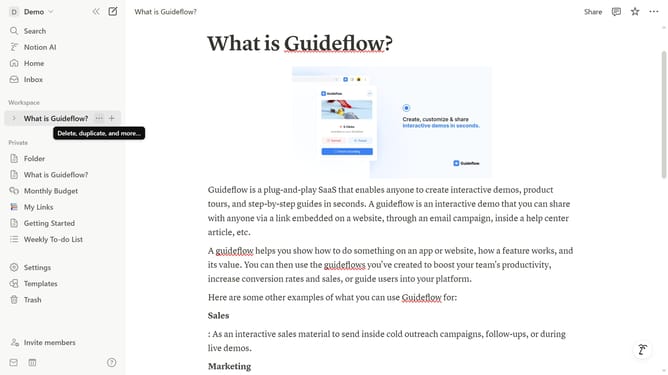
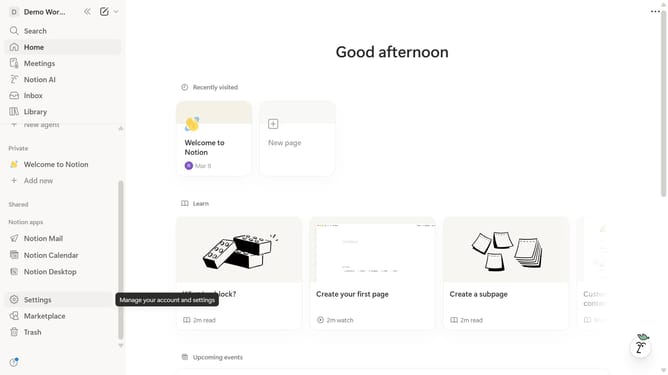
- First click on "Settings" in the left sidebar.
- Then click on "Public pages" item in the left sidebar.
- Next, click on "Notion Sites" in the main content area.
- Then click on the three dots icon on the right side of the table.
- After that, click on "Settings" from the dropdown menu.
- Then click on "Search engine indexing" option to expand.
- Finally, click the toggle next to "Discoverable on the web" to turn it on.
Why should you turn on discoverable for public page in Notion
Notion is a versatile workspace that streamlines your daily tasks, knowledge, and projects all in one place.
Turning on the discoverable feature for public pages in Notion allows your content to be more accessible and searchable on the web.
This feature is particularly beneficial for sharing information with a broader audience, including colleagues, students, or followers.
By making content discoverable, you enhance visibility, making collaboration and knowledge sharing more seamless and effective.
Last update