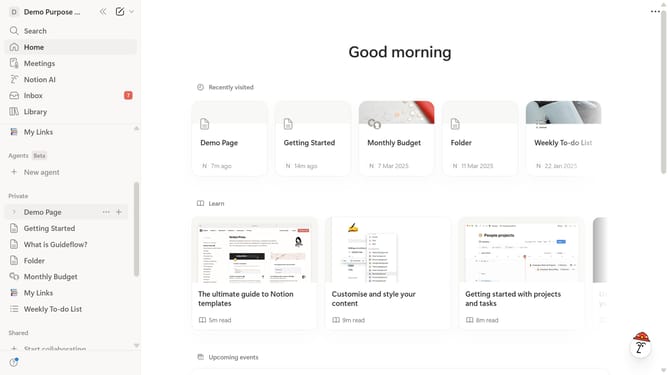
How to disable page view analytics in Notion
Here is how to disable page view analytics in notion
- First click on the workspace menu icon in the top header
- Then click on the "Settings" button in the workspace dropdown menu
- Next click on the "General" option in the settings sidebar
- Finally toggle off the "Save and display page view analytics" switch in the Analytics section
Why should you disable page view analytics in Notion
Notion is a dynamic all-in-one workspace designed for note-taking, project management, and collaboration.
Disabling page view analytics in Notion emphasizes privacy and security, ensuring your activity within the platform remains confidential. This feature empowers users to focus solely on productivity without the added concern of data tracking.
By opting out of page view analytics, users repurpose their workspace into a distraction-free environment. It fosters concentrated creativity and collaboration without external data monitoring, promoting a more personalized and private workspace.
Last update