How to enable hover cards in Notion
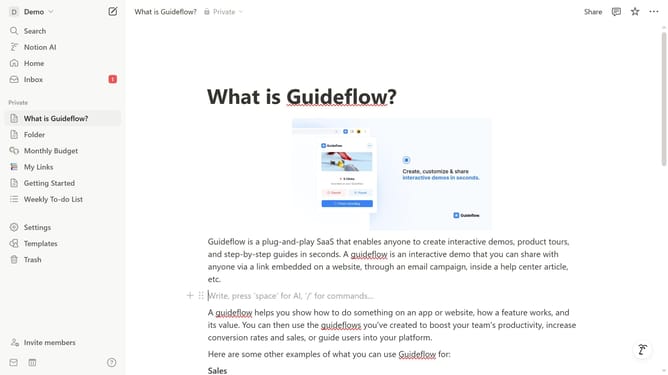
Here is how to enable hover cards in notion
- First click on the workspace menu button in the top left sidebar
- Then click on the "Settings" button in the workspace dropdown menu
- Next click on the "General" option in the settings sidebar under the Workspace section
- Finally toggle on the "Hover cards" option in the People settings section
Why should you enable hover cards in Notion
Notion is an all-in-one workspace that allows individuals and teams to organize their notes, tasks, and projects efficiently.
Enabling hover cards in Notion enhances your workflow by providing instant previews of linked pages without navigating away.
This feature enriches user experience by streamlining information access, boosting productivity with seamless multitasking, and minimizing distractions.
Hover cards keep you focused, offering a fluid, unobtrusive way to reference valuable details on the go.
Last update