How to add Dovetail embed block in Notion
Here is how to add dovetail embed block in notion
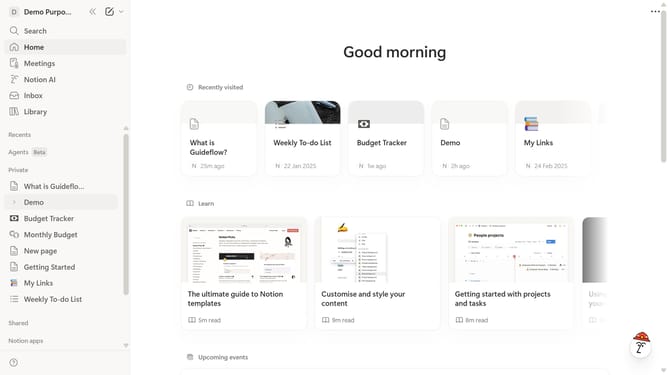
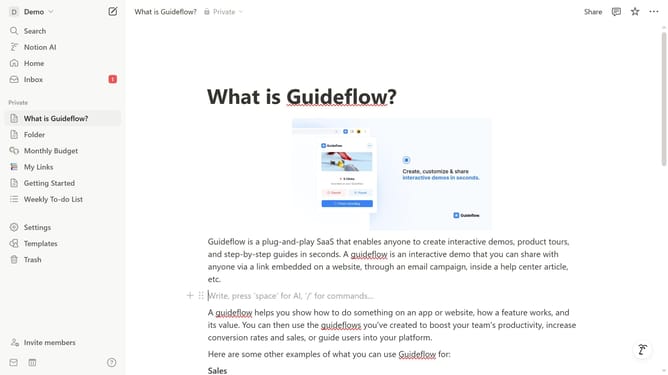
- First open the page where you want to add the Dovetail embed block
- Then, click on the "+" icon to add a new block
- Next, type "Dovetail" into the search bar that appears in the main content area
- Finally click on "Dovetail" in the filtered results
Why should you add Dovetail embed block in Notion
Notion is a versatile productivity platform designed to streamline organization, collaboration, and information management.
Adding a Dovetail embed block in Notion elevates your user research by integrating visual and empirical data directly into your workspace.
This feature allows for seamless collaboration, keeping insights and data at your fingertips without the clutter of switching apps.
Embedding Dovetail enhances your workflow, providing dynamic access to research analyses, thereby enhancing efficiency and decision-making.
Last update