How to change name on Notion
Here is how to change name on notion
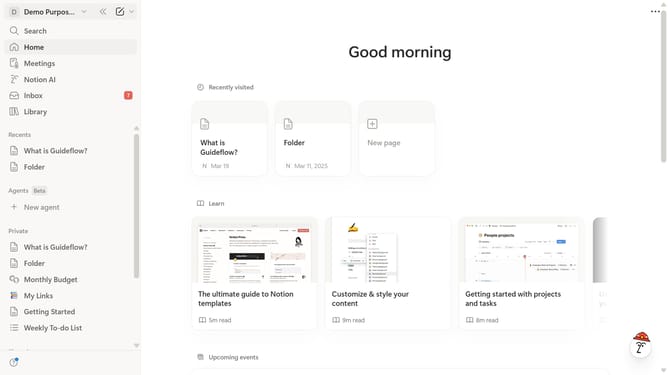
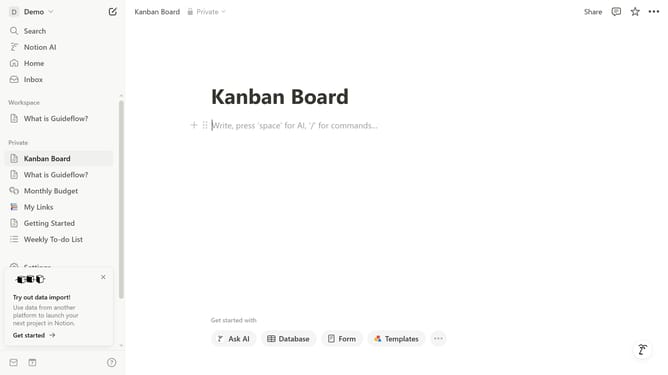
- First click on the dropdown in the top-left corner of the interface
- Then click on the "Settings" button in the workspace header
- Next select the profile option from the settings sidebar menu
- Finally click on the name text field and type your new name
Why should you change name on Notion
Notion is an all-in-one workspace designed to streamline your workflow and enhance productivity.
Being able to change your name on Notion offers personalization and ensures your workspace feels uniquely yours. This feature allows you to maintain up-to-date professional or personal identifiers, which can be essential for collaboration and communication within shared projects.
Embracing this level of customization ensures a more organized and intuitive experience, making teamwork more efficient and personal interactions more authentic.
With the ability to modify your name effortlessly, Notion fosters an adaptable and comfortable digital environment.
Last update