How to upload custom workspace icon in Notion
Here is how to upload custom workspace icon in notion
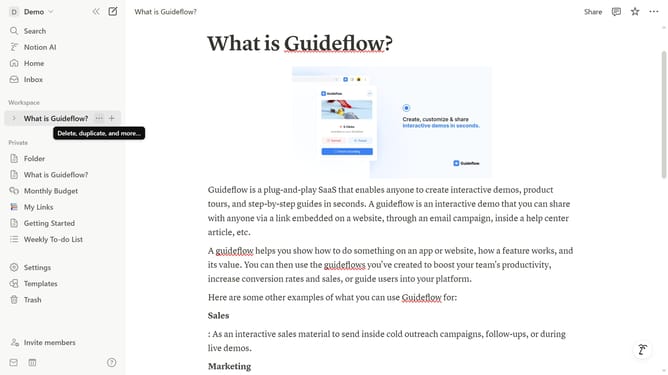
- First click on the workspace switcher dropdown in the top sidebar
- Then click on "Settings" button in the workspace menu
- Next click on "General" option in the Workspace settings section of the left panel
- Then click on the workspace icon button in the Icon section
- Next click on "Upload" tab in the icon selection dialog
- Then click on the "Upload an image" button and upload your desire custom image
- Finally click on "Save" button to confirm the workspace icon change
Why should you upload custom workspace icon in Notion
Notion is a versatile workspace app designed to streamline your tasks and projects seamlessly.
One standout feature is the ability to upload custom workspace icons, letting users personalize their digital environment.
Having a unique icon not only adds a personal touch but also enhances organization by making specific workspaces easily identifiable at a glance.
This creative customization promotes efficiency, making your productivity experience both visually pleasing and functionally effective.
Last update