How to hide recent activity on profiles in Notion
Here is how to hide recent activity on profiles in notion
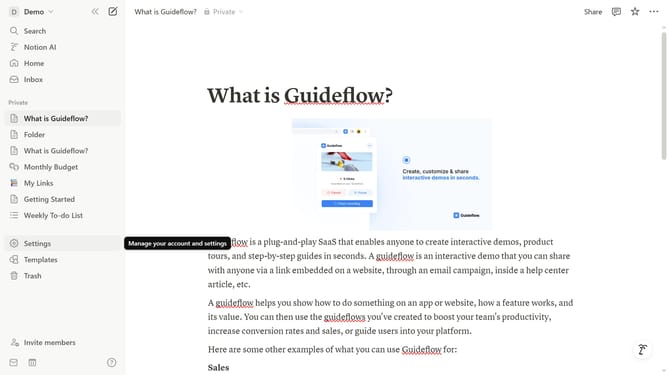
- First click on the workspace menu button in the top left corner
- Then click on "Settings" button in the workspace dropdown menu
- Next click on "General" option in the workspace settings sidebar
- Finally toggle off the "Show recent activity on people profiles" switch in the People section
Why should you hide recent activity on profiles in Notion
Notion is a dynamic tool designed for organizing and optimizing workflows.
Among its many features is the ability to hide recent activity on profiles, enhancing user control and privacy.
This option is particularly beneficial for those wishing to maintain a cleaner and more private digital workspace.
By managing visibility into your activity, you can enjoy a seamless collaboration environment without unnecessary distractions.
Last update