How to embed a published Notion page into another website
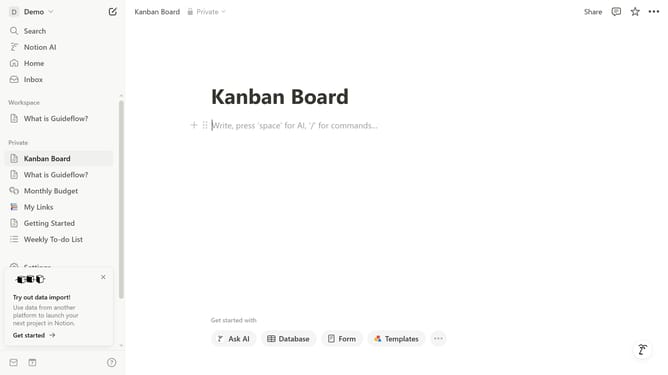
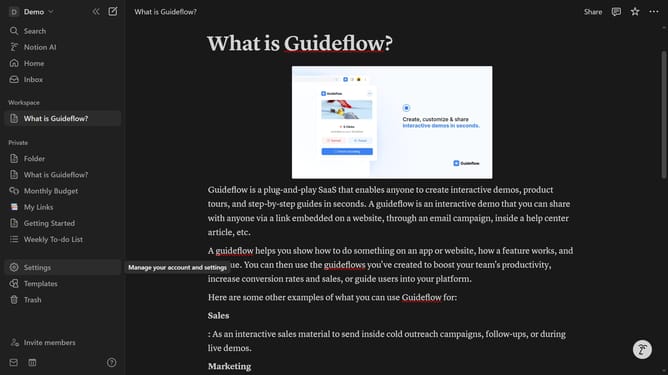
Here is how to embed a published notion page into another website
- First click on the page you want to embed in the left sidebar
- Then click on "Site settings" button
- Next click on "Embed this page" link
- Finally click on "Copy code" button and paste it into your website's embed section
Why should you embed a published Notion page into another website
Notion is a versatile tool designed to blend your work and life into a single workspace.
Embedding a published Notion page into another website makes sharing information seamless and interactive, bringing your ideas to a broader audience effortlessly.
This feature allows your content to remain live and updated in real-time, ensuring viewers have access to the most current information without switching platforms.
By unifying your Notion workspace with your web presence, you enhance user engagement, streamline content delivery, and bolster productivity.
Last update