How to add Miro embed block in Notion
Here is how to add miro embed block in notion
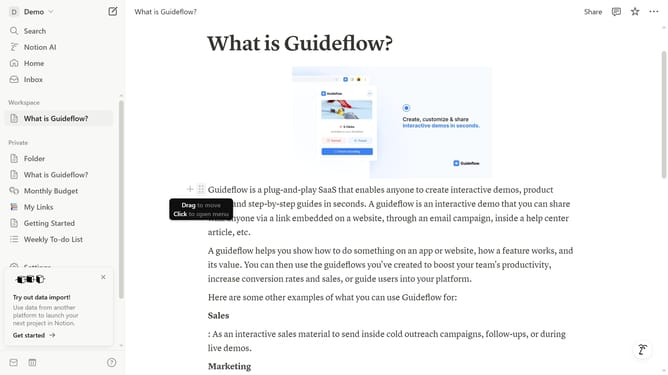
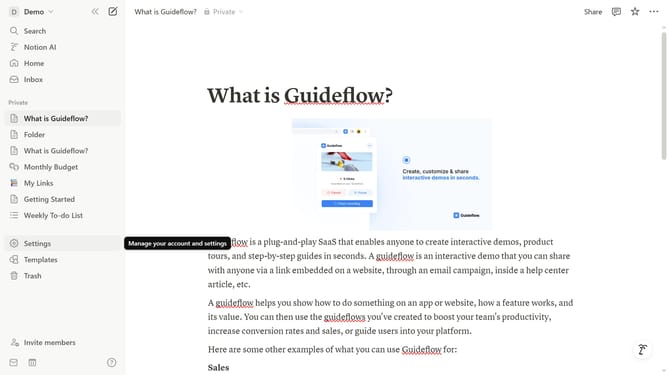
- First click the page that you want to edit
- Then click on the "+" icon to add a new block
- Finally click on "Miro" from the dropdown menu
Why should you add Miro embed block in Notion
Notion is a versatile tool designed for organizing, planning, and collaborating in a fluid workspace environment.
Integrating a Miro embed block into Notion enhances visual collaboration by merging the power of Miro's interactive boards with Notion’s structured pages. This feature allows users to seamlessly blend brainstorming and project planning within one platform.
Utilizing the Miro embed provides a more dynamic approach to collaboration, fostering creativity and boosting productivity by keeping all ideas and tasks interconnected and easily accessible.
Last update