How to add 5 columns block in Notion
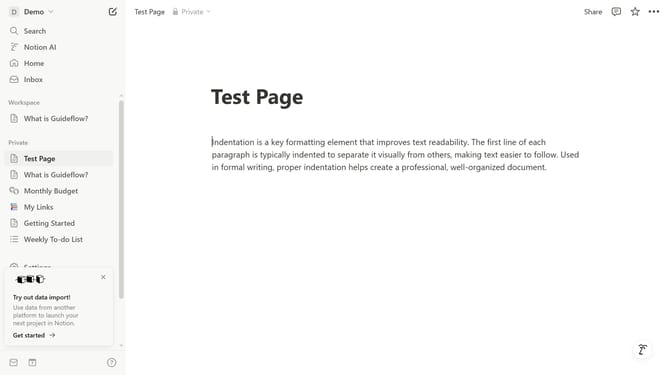
Here is how to add 5 columns block in notion
- First click the page where you want to add the 5 columns block
- Then click on the "+" icon on the page
- Finally select "5 columns" from the dropdown menu
Why should you add 5 columns block in Notion
Notion is a versatile all-in-one workspace designed to streamline personal and professional organization.
Adding a 5-column block in Notion transforms a cluttered page into a neatly organized layout. With this feature, users can efficiently segment their information, promoting better focus and productivity.
This multi-column setup is perfect for comparing data side by side, enhancing project boards, or visually balancing content. It's a powerful tool that empowers users to customize their workspace to suit their specific organizational needs.
Last update