How to remove strikethrough formatting from a Notion table
Here is how to remove strikethrough formatting from a notion table
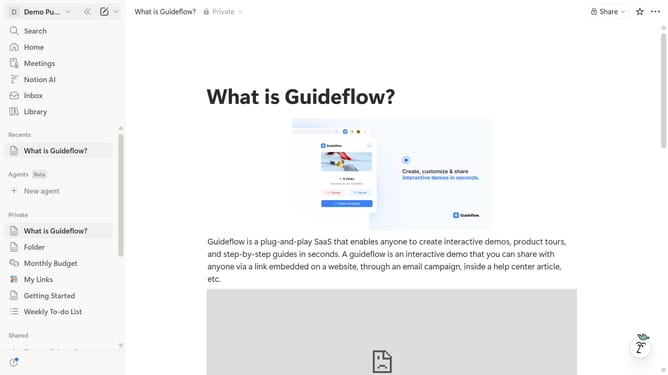
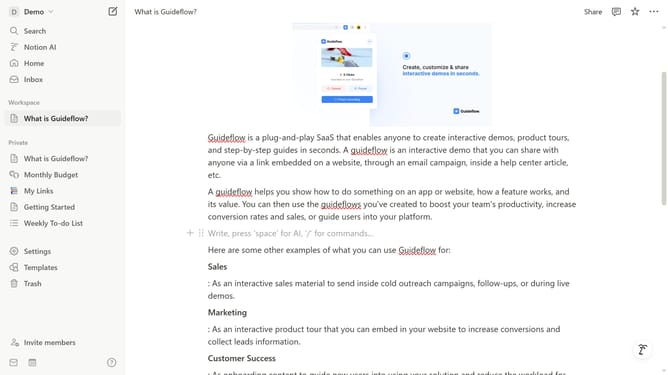
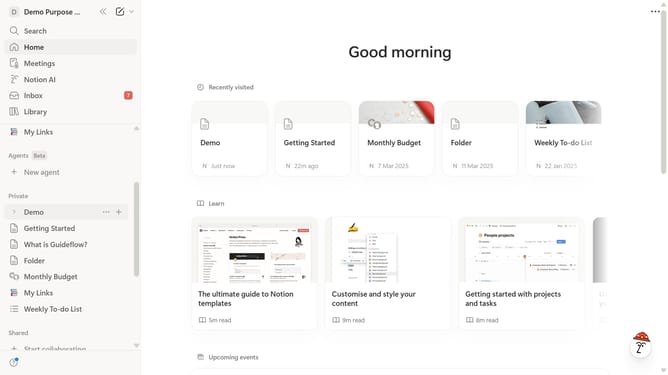
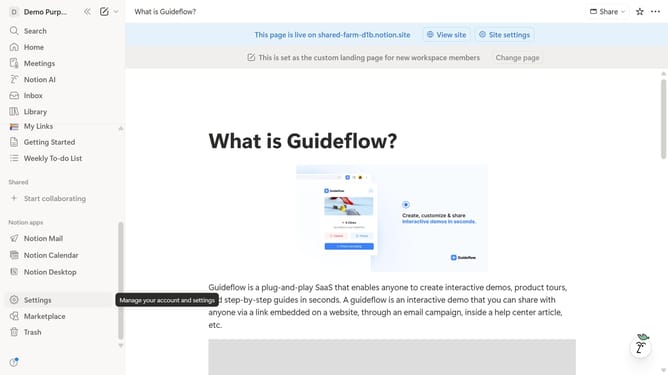
- First open the Notion page containing the table you want to edit
- Then highlight the text in the table cell that you want to modify
- Finally click on the strikethrough option in the formatting toolbar to remove the strikethrough formatting
Why should you remove strikethrough formatting from a Notion table
Notion is a versatile tool designed to streamline personal and professional organization.
Removing strikethrough formatting from a Notion table allows for clearer communication and data presentation. This feature ensures your tables display the most relevant information without unnecessary distractions.
Utilizing this option increases the readability of your tables, making it easier for team members to grasp the content at a glance. It's a small adjustment with a significant impact on productivity and clarity in collaborative projects.
Last update