How to disable the new sidebar in Notion
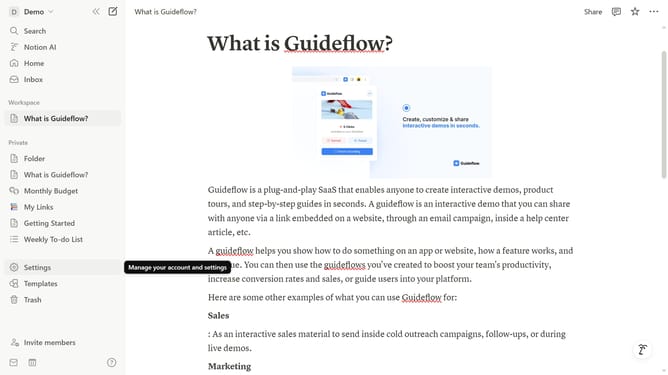
Here is how to disable the new sidebar in notion
- First click on "Settings" in the sidebar
- Then click on "General" under Workspace section in the settings menu
- Finally toggle off the "Try the new sidebar" switch in the Sidebar section
Why should you disable the new sidebar in Notion
Notion serves as a versatile workspace designed to enhance productivity and organization through seamlessly integrated tools.
Disabling the new sidebar in Notion can streamline your workspace by minimizing distractions and focusing on the main content. This feature allows users to declutter their view, providing a cleaner and more efficient interface.
By customizing the view, you can tailor your Notion experience to perfectly suit your workflow, ultimately maximizing your personal productivity and focus.
Last update